CoachBall

Members

Manage your workspace members. Invite new team members, assign roles, and track invitation status.

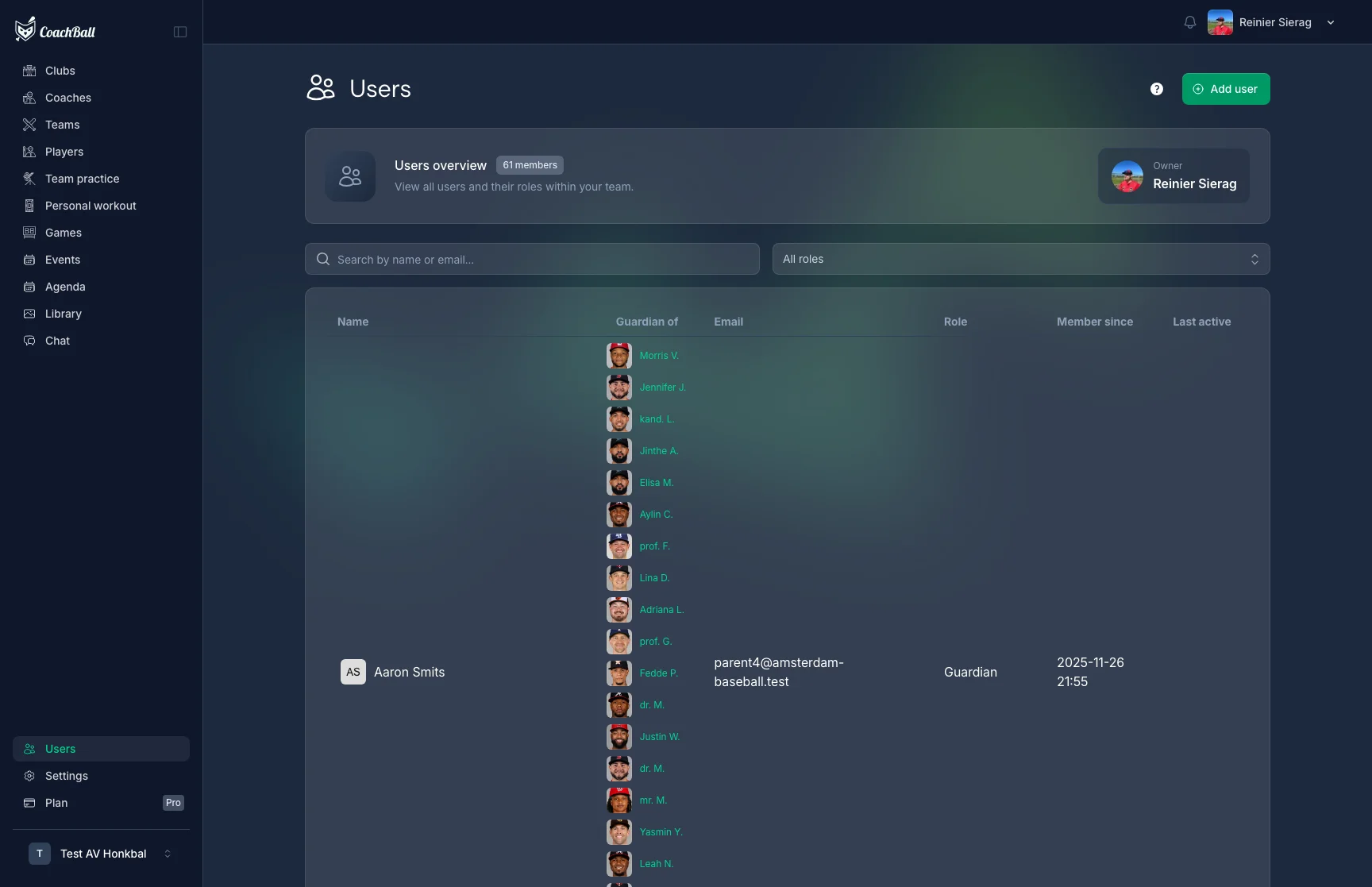
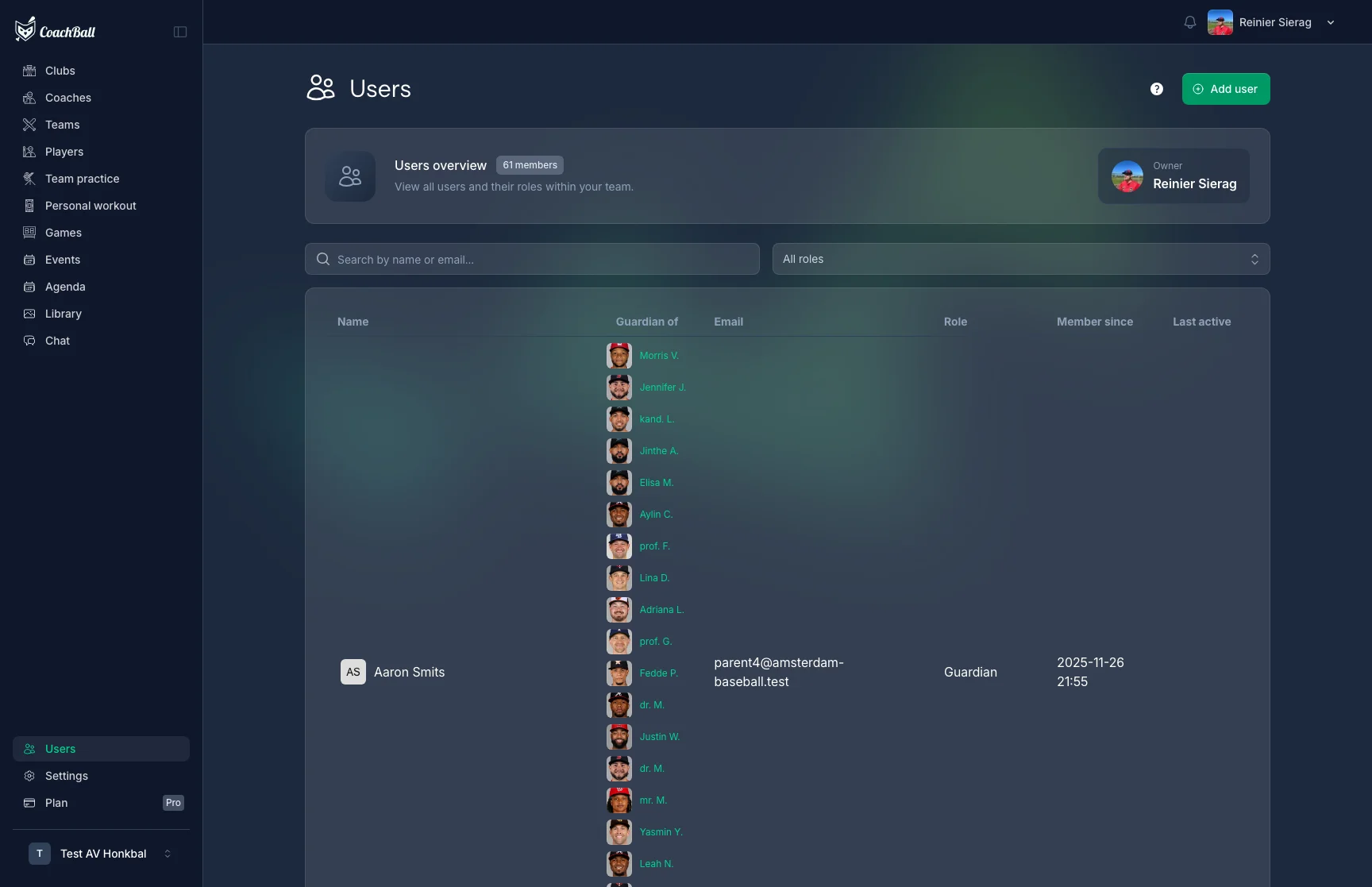
Members overview

The members page showing current members and pending invitations

Inviting Members

Invite new members by email with a specific role. Enter their name (optional), email address, and select a role. For guardians, you must also link them to a player. Invitations are valid for 30 days and include a join code.

Invite member form

The form for inviting a new member to the workspace

Available Roles

Each role has specific permissions. See the Roles & Permissions page for a full overview.

Coach & Assistant Coach

Full team management including trainings, games, statistics, check-ins, and lineups.

Team & Club Manager

Manage players, lineups, events, and facilities.

Guardian

Linked to one or more players. Can manage attendance, sign up for duties, and view team information.

Player, Scout & Media Admin

View own profile and participate. Scouts evaluate players. Media admins manage the media library.

Pending Invitations

Track the status of sent invitations. Resend expired invitations or revoke them. Each invitation shows the email, role, join code, who invited them, and when it was last sent.

Join Code

Each workspace has a unique join code. Members can also join by entering this code during onboarding instead of using an email invitation.

What our users say

5 stars

"The game evaluation feature is great! I can now quickly give feedback to my players and see what can be improved."

Noah Williams

Noah Williams

CLUB

Baseball Head Coach U16

5 stars

"As a new coach, I was initially overwhelmed by all the options, but CoachBall makes everything so clear. Great system!"

Ethan Cooper

Ethan Cooper

PRO

Tee-ball / Coach Pitch Head Coach U9

5 stars

"The practice planner is a lifesaver! I can now easily plan and adjust practices without any hassle."

Daniel Brooks

Daniel Brooks

LEGEND

Baseball Academy Coach U14