

Docs
Getting Started
Welcome to CoachBall, your all-in-one baseball team management solution. This guide helps you get started managing your teams, games, and practices.
Quick Start Guide
1. Create Account
You can first create an account. You will then automatically receive the role of coach who can do everything. After validating your email address, you can proceed to the next step: creating a club.
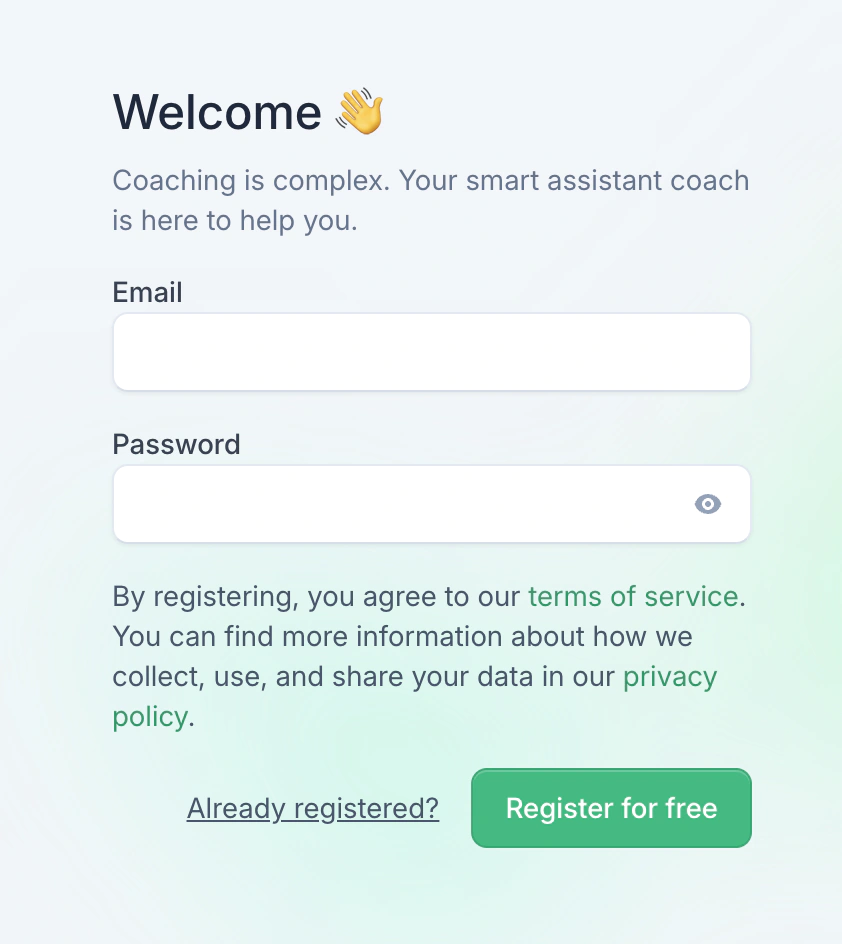
The account registration form
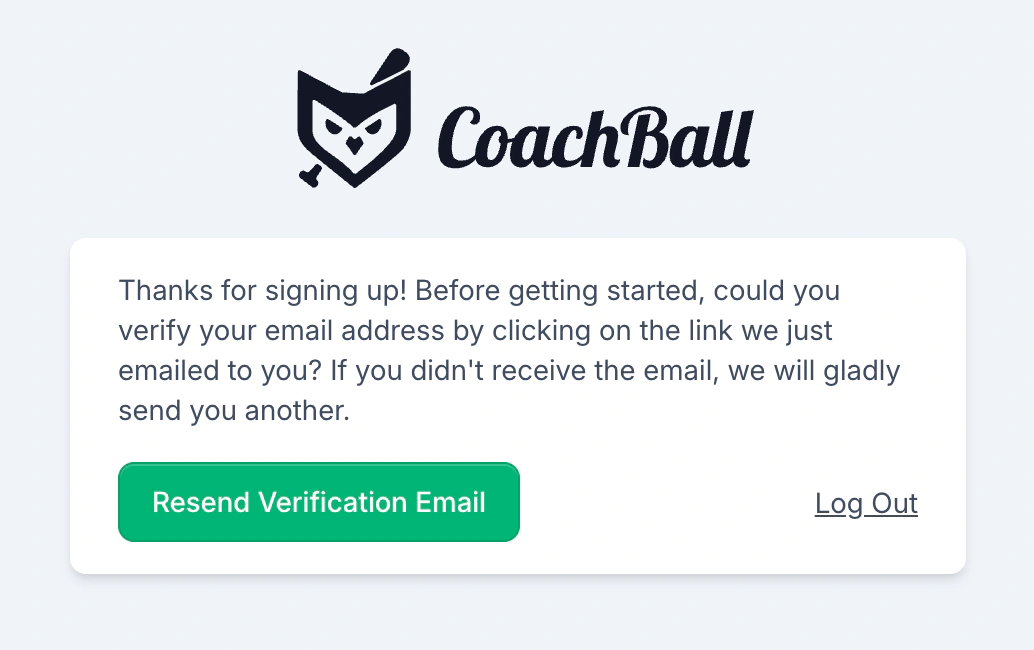
After registration, you will receive an email with a verification link. Click the link to validate your email address and activate your account.
2. Create Your First Club
Create your first club with basic information like name and location.
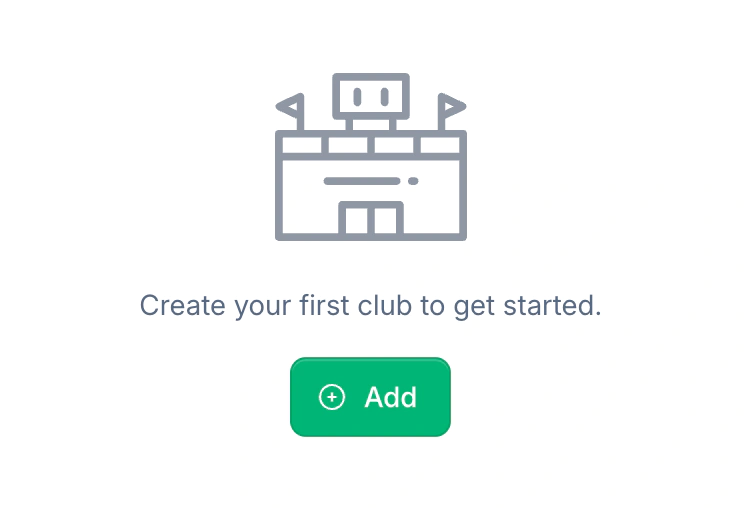
Click on the add button to create your first club in the CoachBall system.
2. Create Team
Start by creating your first team and adding players
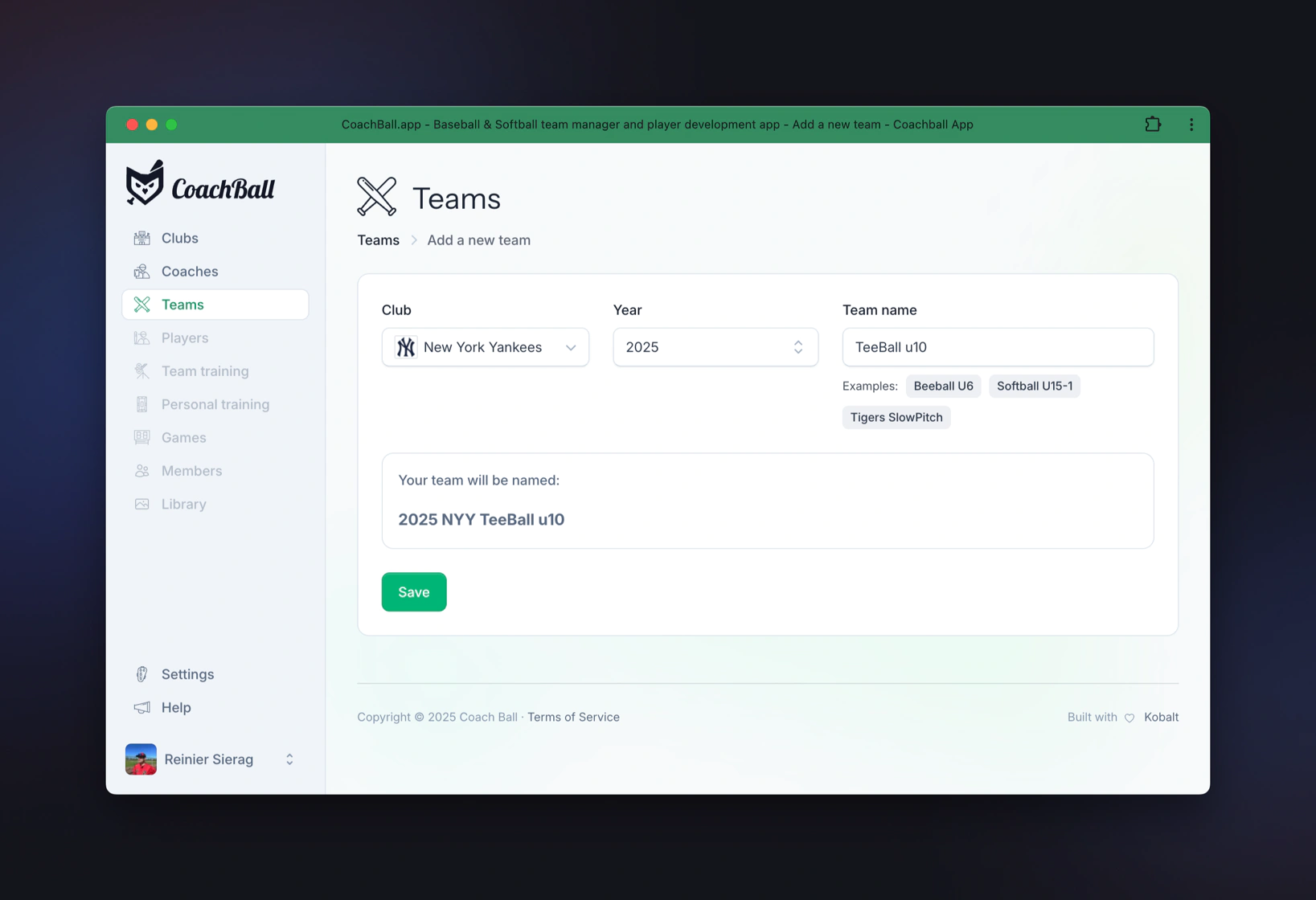
To create a team, first select a club from the dropdown, choose a year, and enter the team name. Click on the "add" button (plus icon) to start creating a new team for a club.
3. Add Players
Add your team members and assign them their positions.
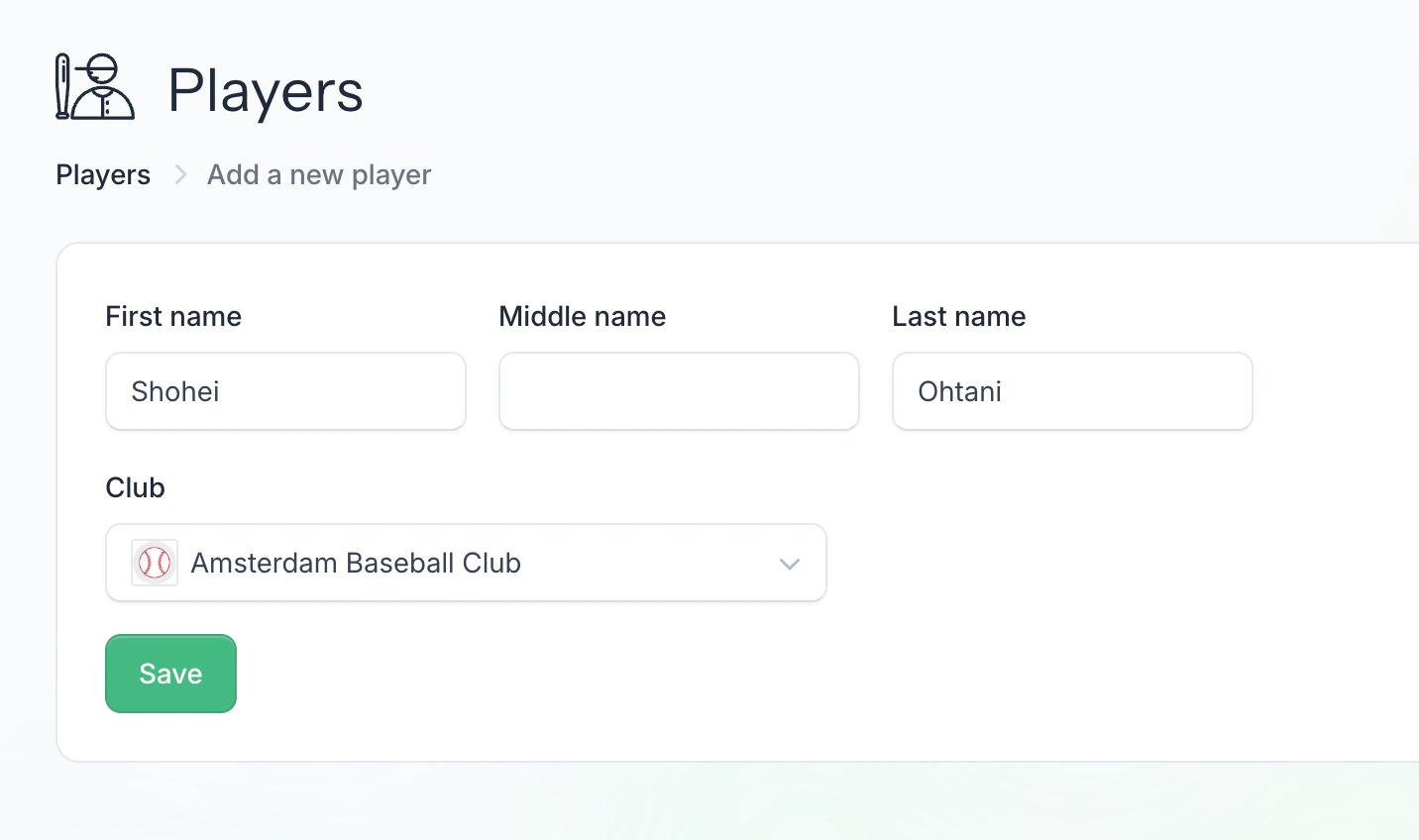
Adding players is fast — you can immediately move on to creating games and practices. To get more value from CoachBall, enrich player profiles with positions, contact details, and other data.
4. First Game
Schedule your first game and create a line-up.
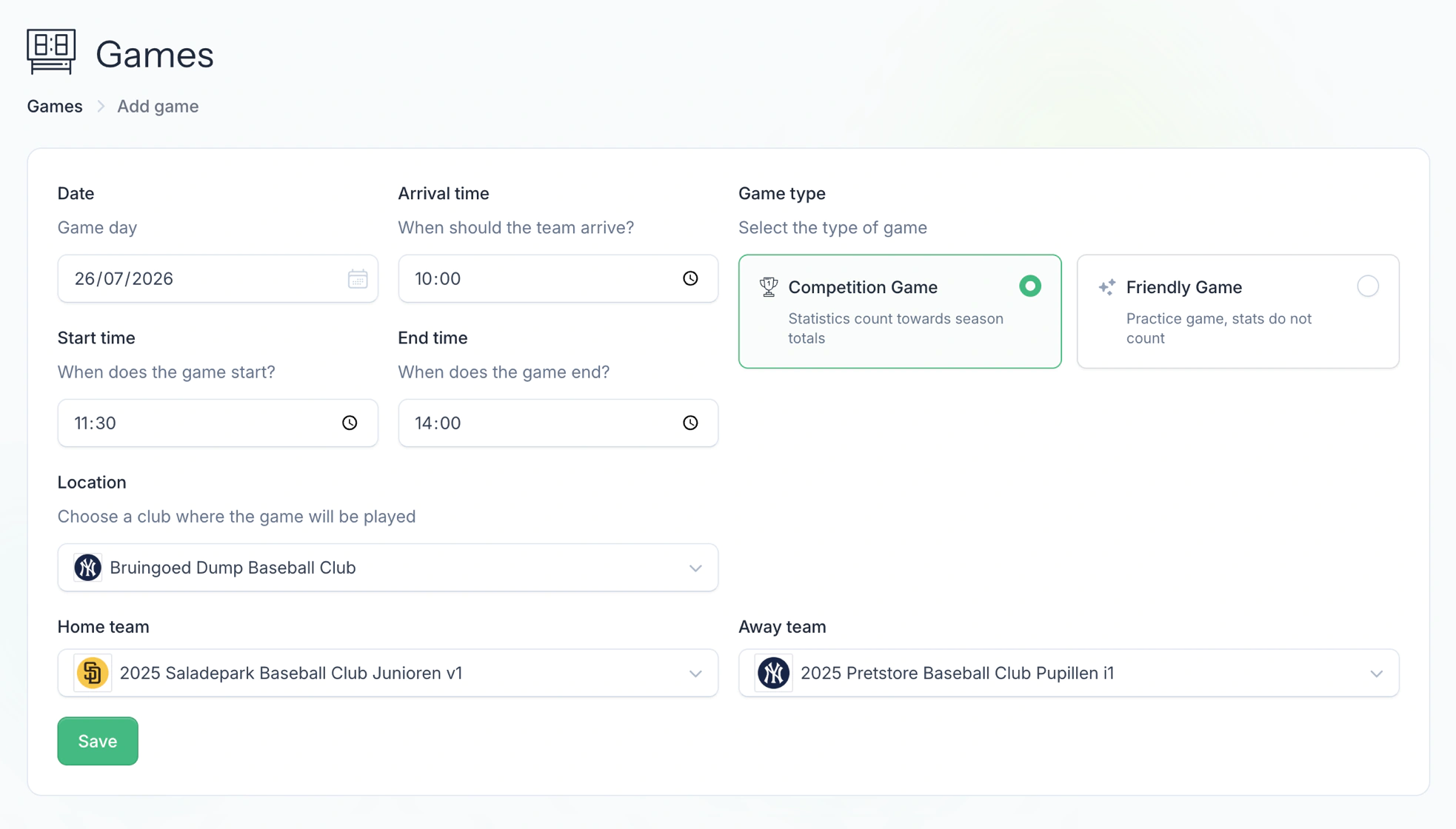
The form for creating a new game. With games, you can organize your season and keep track of all important information. After creating a game, you gain access to various powerful features: register player attendance, create lineups with automatic rotation settings, determine the batting order, track weather conditions, and after the game you can write an evaluation and keep detailed statistics for all players. This information helps you make better decisions for future games and track your players' development.
Next steps
Team Management
Manage your teams, players, and team roles
Game Management
Manage all aspects of your games, from scheduling to statistics.
Practice Management
Organize and manage every part of team practices, from planning and attendance to weather updates and automatic reminders.
Media Management
Manage and organize all media content of your team.