

Media
Media
Manage photos, videos, and other media of your team.
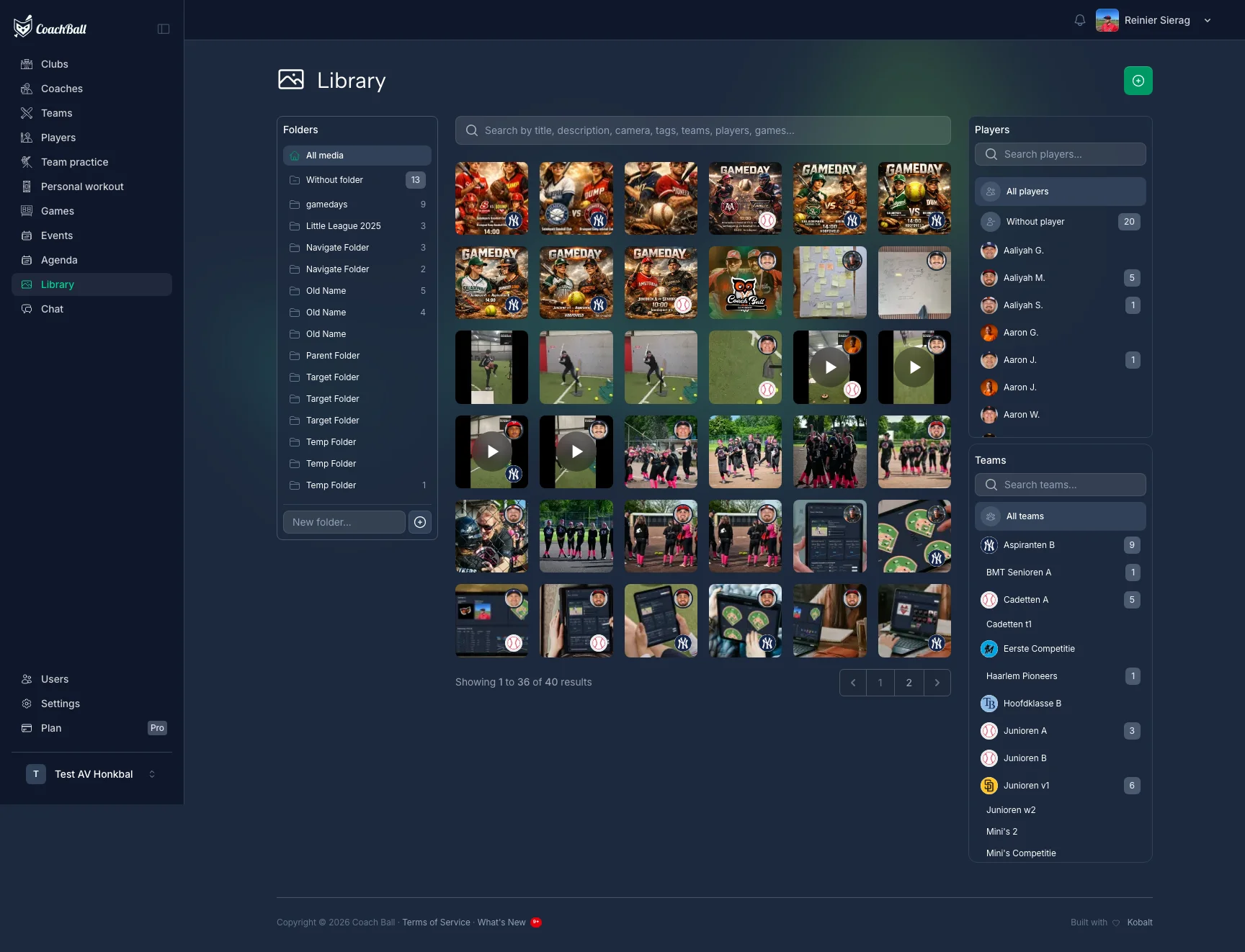
The media dashboard with all available media
Media Management
Upload Media
Upload new media to your team library
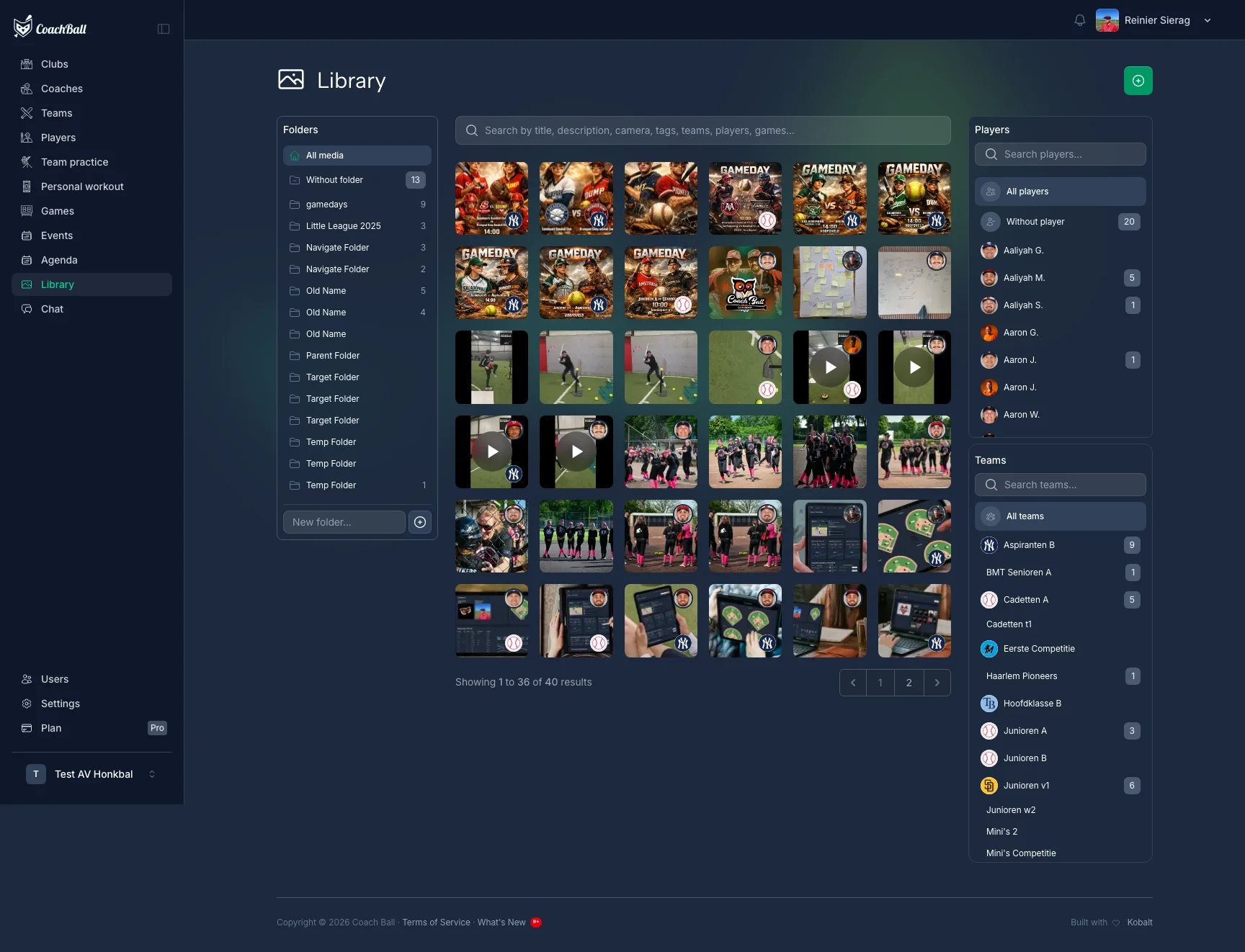
The form for uploading new media
Organize Media
Organize your media into albums and add tags for easy retrieval.
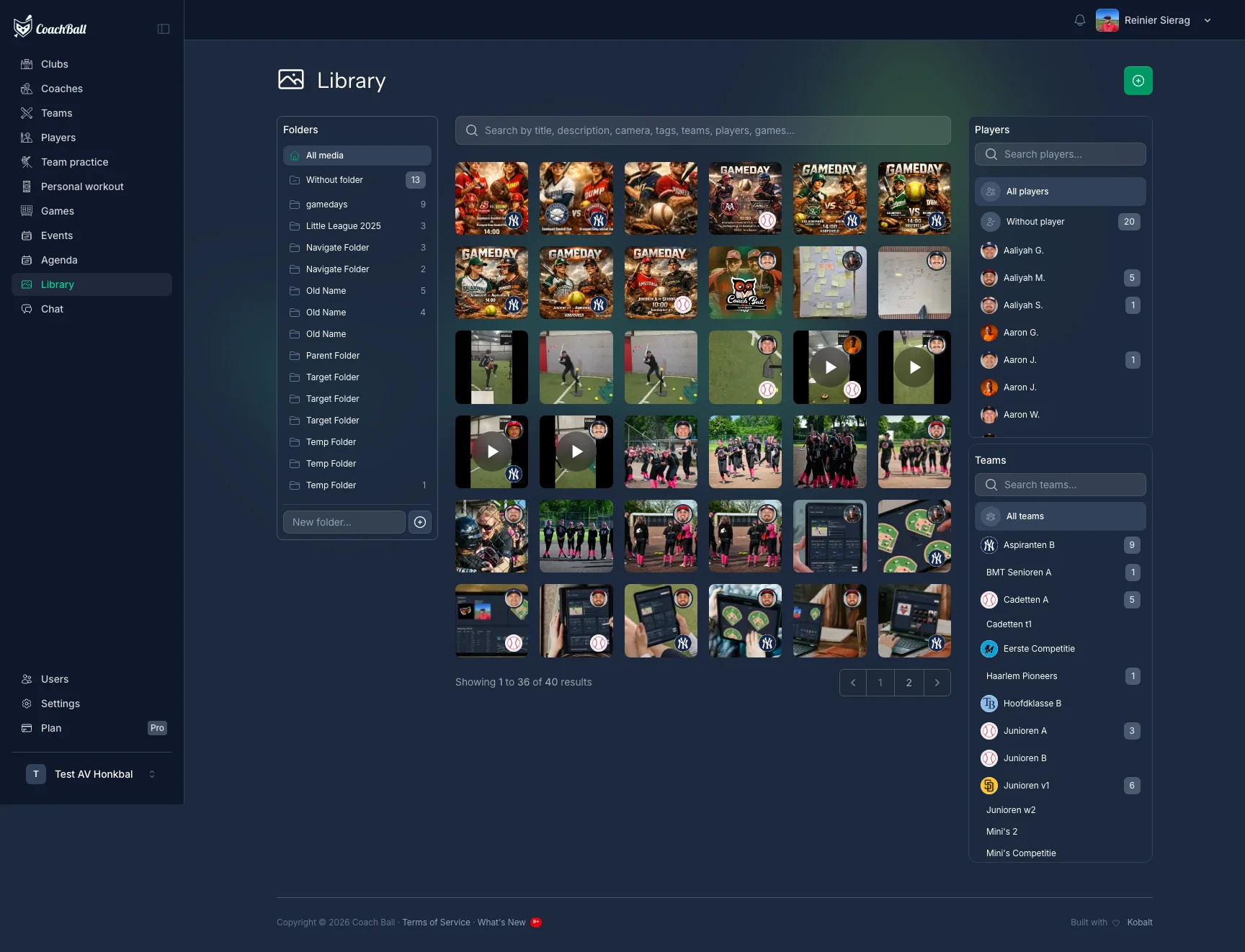
The screen for organizing media into albums
Share Media
Share media with team members, parents, and fans through various channels.
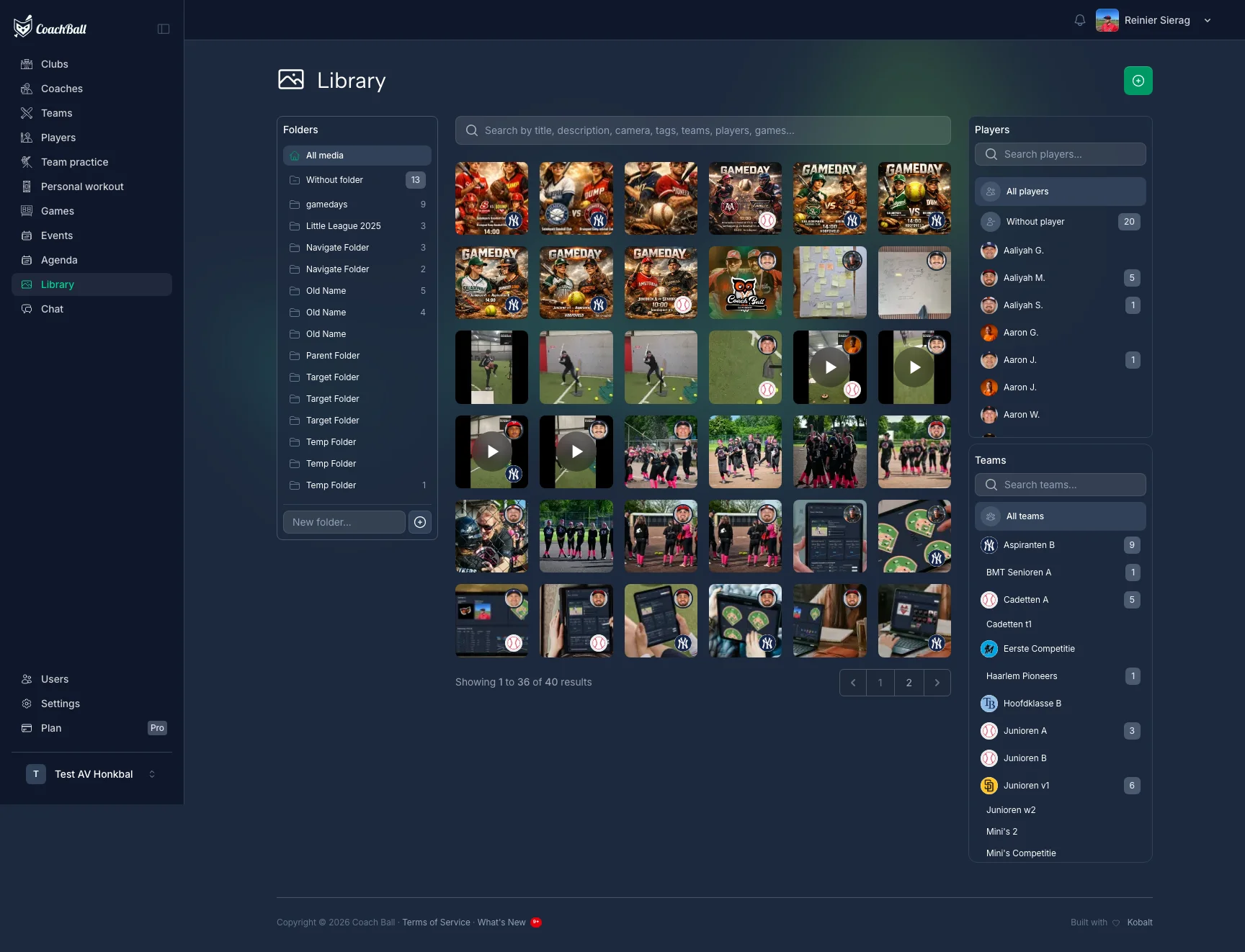
The screen for sharing media with others
Folders
Organize your media library with a folder structure. Create nested folders, move media between folders, and use breadcrumb navigation to browse. Media not assigned to any folder appears in the root view.
Albums
Create albums to group related photos and videos. Set a cover image, add a description, and choose whether the album is public. Public albums can be shared via a link.
Bulk Actions
Select multiple media items to perform actions in bulk, saving time when organizing large collections.
Move to Folder
Move multiple selected media items to a folder at once.
Link to Player/Team/Game
Link multiple media items to a player, team, or game in one action.
Linking & Search
Link media to players, teams, games, and trainings for easy organization. Use search to find media by title, description, tags, or linked entities. Filter by folder, player, team, or game.