CoachBall
Position Reviews

Position Reviews

Request players or guardians to review and update position preferences. Position reviews help coaches gather up-to-date information about where players want to play.

Position reviews overview

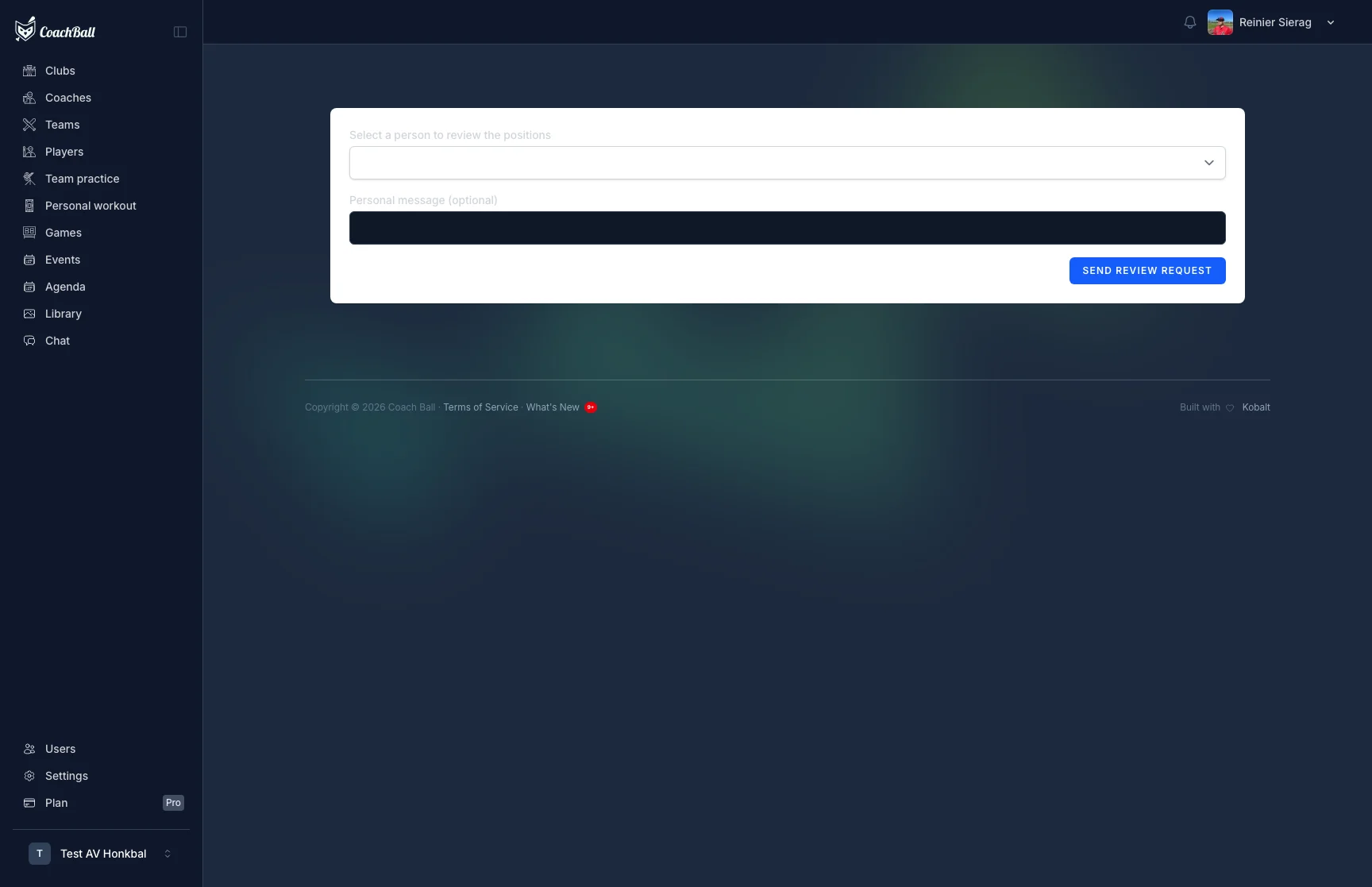
The position review request and completion flow

How It Works

A coach initiates a position review for a player. An email with a secure link is sent to the reviewer, who can then update the player's preferred positions.

1. Request Review

From a player's detail page, initiate a position review. Select who should review (player or guardian) and add an optional personal message.

2. Review Positions

The reviewer receives an email with a secure link. They can see the current positions and select their top 3 favorite positions plus additional playable positions.

3. Positions Updated

Once submitted, the player's positions are automatically updated. Both the reviewer and player receive a confirmation email.

What Gets Reviewed

Reviewers update three favorite positions (ranked 1st, 2nd, 3rd — each must be unique) and a list of all positions the player can play. This data is used by the AI lineup generator to create optimal lineups.

Expiration

Review links are valid for 7 days. After expiration, the coach can request a new review. Completed reviews cannot be changed — a new review must be requested.

What our users say

4.5 stars

"CoachBall has taken my coaching career to the next level. The tools are intuitive and powerful."

Ethan Cooper

Ethan Cooper

CLUB

Softball Fastpitch Head Coach U17

4.5 stars

"The practice evaluation feature helps me improve sessions. I can now see exactly what works and what doesn't."

Ryan Foster

Ryan Foster

ELITE

Baseball Head Coach U16

5 stars

"CoachBall has helped me improve my coaching style. The data I collect helps me make better decisions."

Noah Williams

Noah Williams

PRO

Baseball Head Coach U15