

Players
Players
Manage all players in your organization. Track their development and performance.
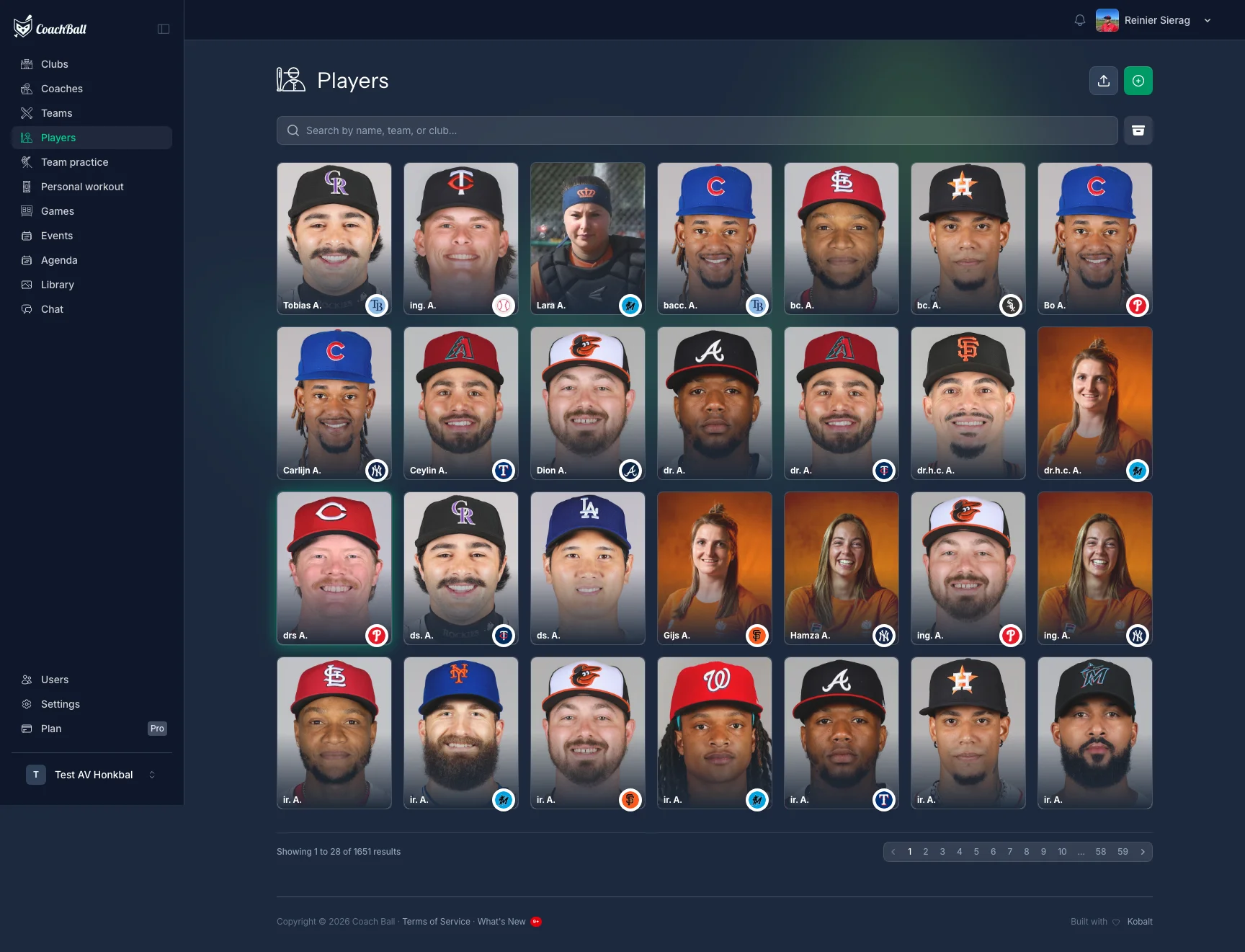
The players dashboard with all registered players
Player Management
Manage all aspects of your players and their development.
Player Profile
View and edit detailed player profiles.
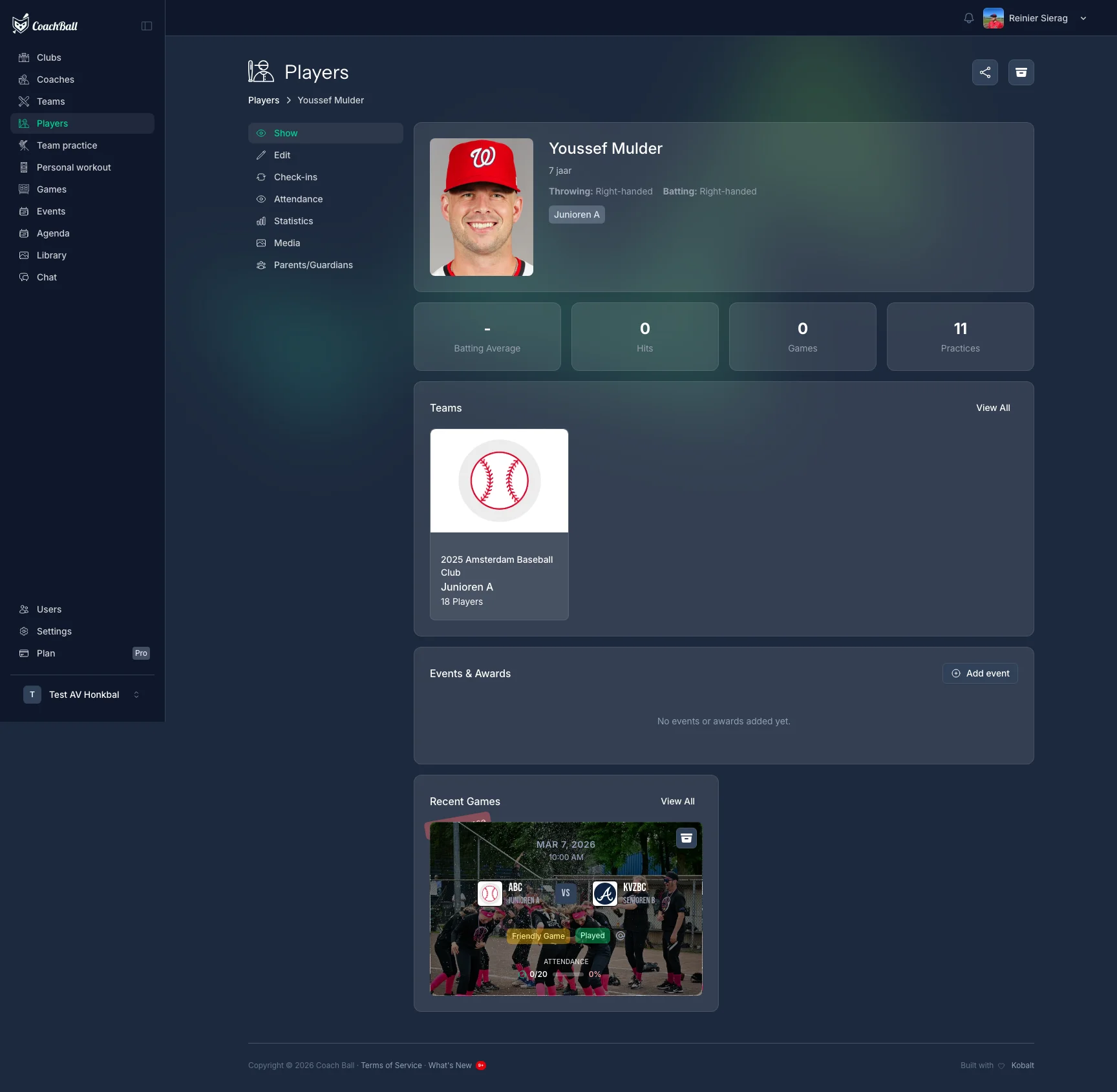
A complete player profile with all relevant information
Player Statistics
Track the performance and statistics of individual players.
Statistics and performance indicators of a player
Player Development
Track progress and set goals for each player.
Development path and goals of a player
CSV Import
Import multiple players at once from an Excel or CSV file. The import wizard guides you through a multi-step process with automatic column detection and duplicate checking.
1. Upload File
Upload an Excel (.xlsx, .xls) or CSV file with player data (max 10MB).
2. Map Columns
The system auto-detects columns from your headers. Review and adjust the mapping for fields like name, date of birth, email, and more.
3. Review & Match
Review detected duplicates and club matches. The system uses similarity scoring to suggest existing clubs and flag potential duplicate players.
4. Import
Confirm and import. New players are created and existing players can be updated. A summary shows how many were created, updated, or skipped.
Player Archiving
Archive players who are no longer active on the team. Archived players are hidden from the active player list but their data and statistics are preserved. Archived players can be restored at any time.
Metric System
Choose between metric (cm, kg, km/h) and imperial (inches, lbs, mph) units. This setting affects how heights, weights, and performance metrics are displayed throughout the application.
Need help?
Have a question or facing an issue? Our support team is here to help.