

Settings
Settings
Customize your CoachBall experience.
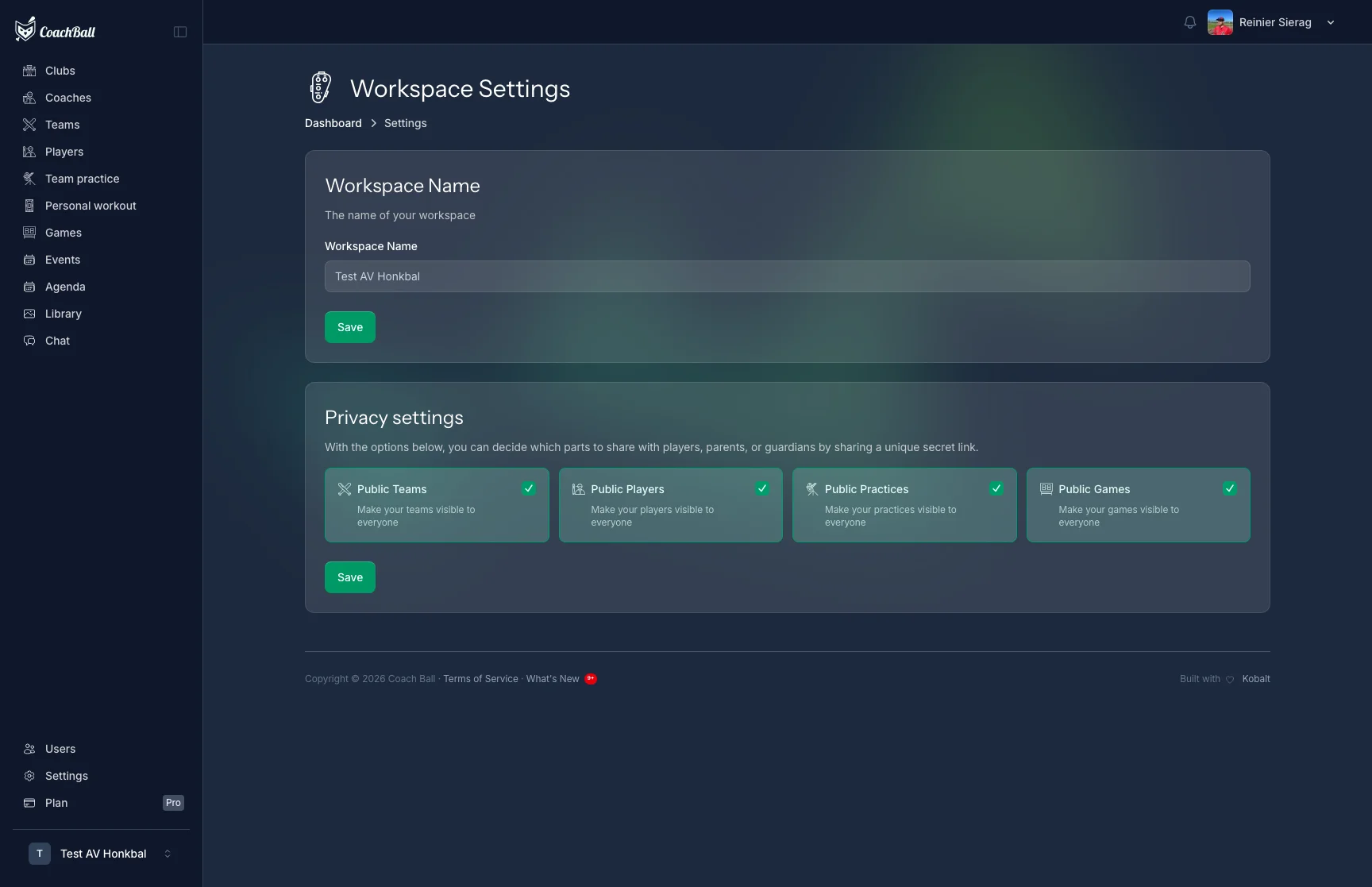
The settings overview with all configuration options
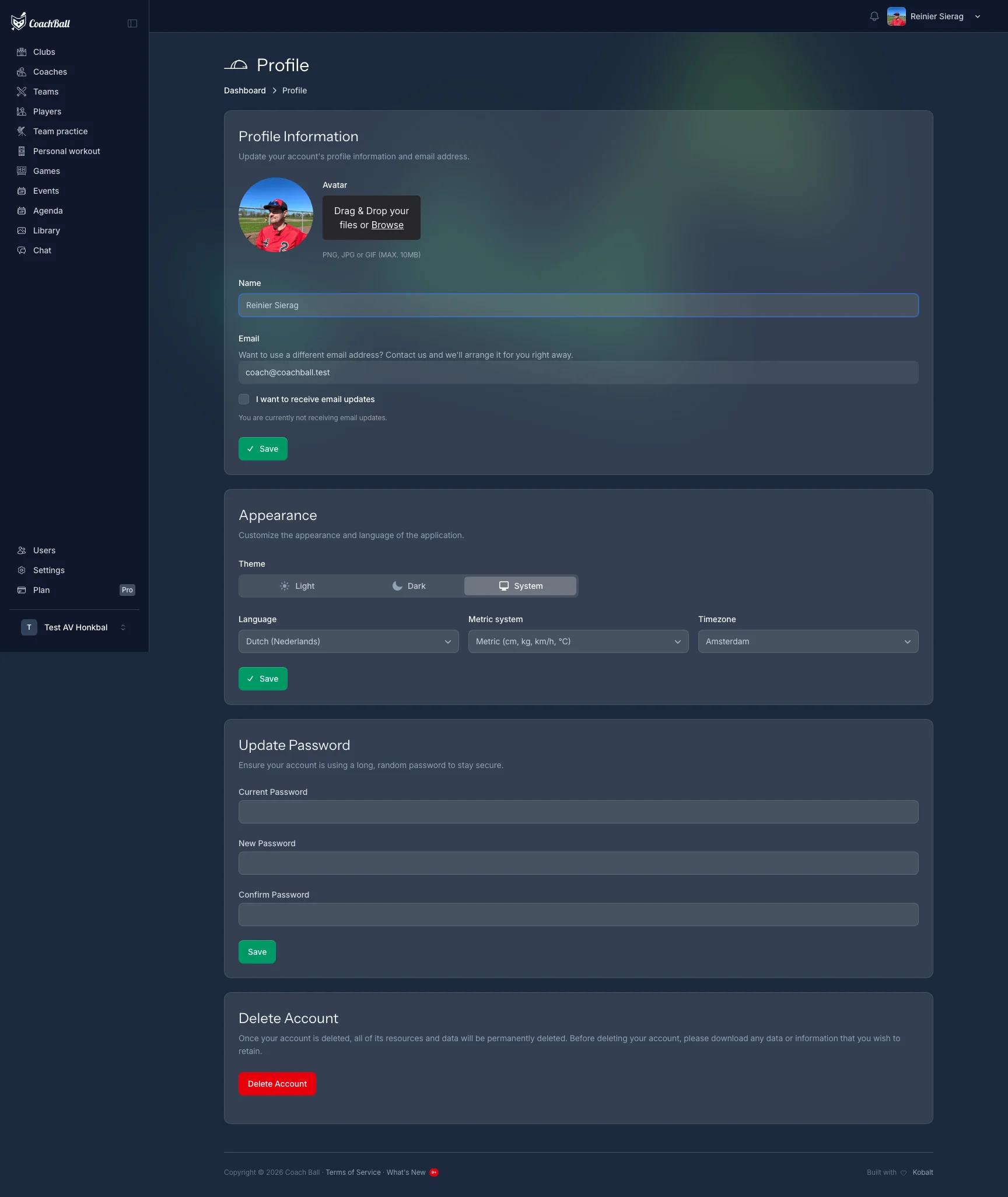
The settings overview with all configuration options
Settings Management
Account Settings
Manage your personal information, password, and preferences.
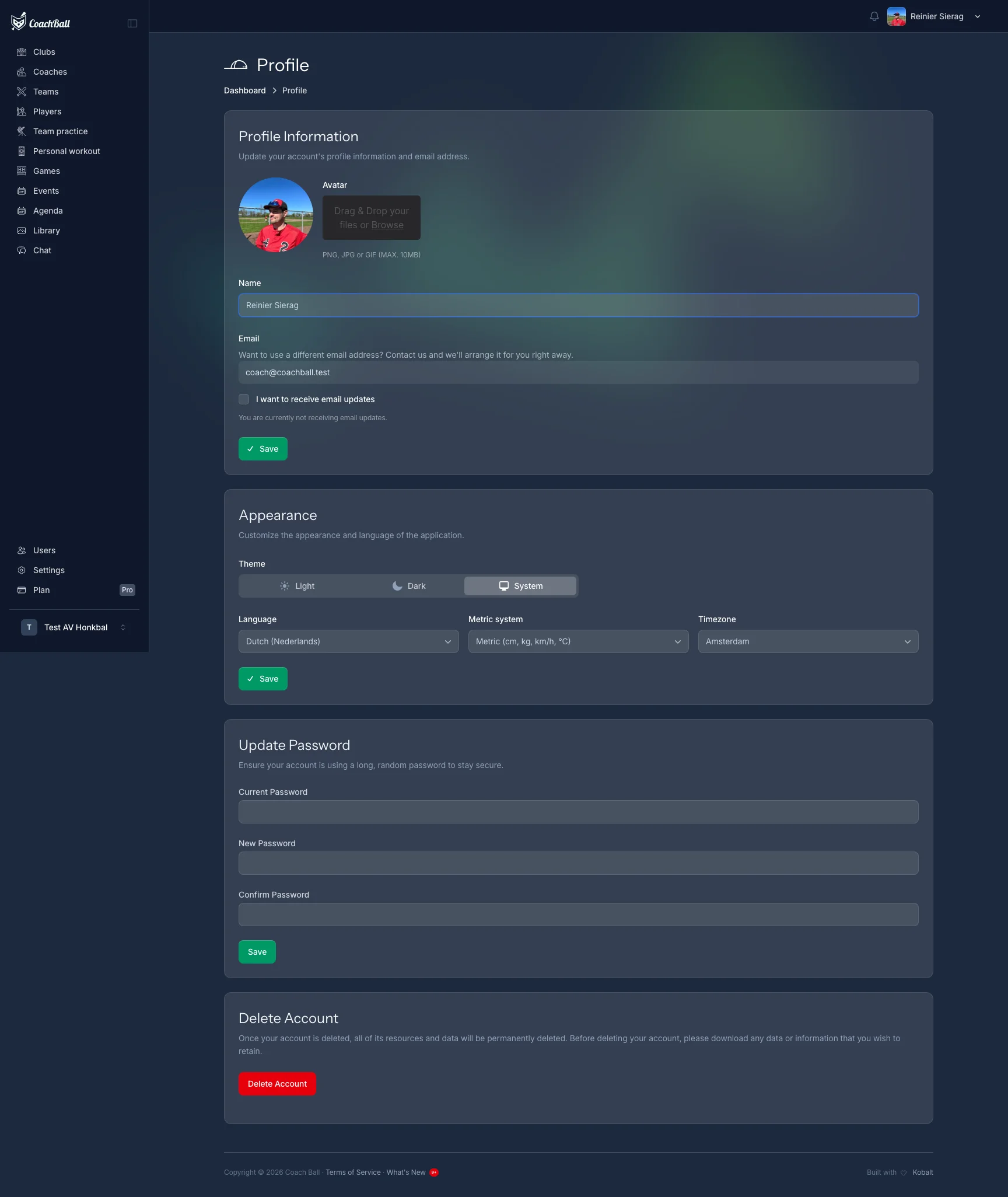
The screen for managing account settings
Team Settings
Configure team-specific settings like colors, logos, and default values.
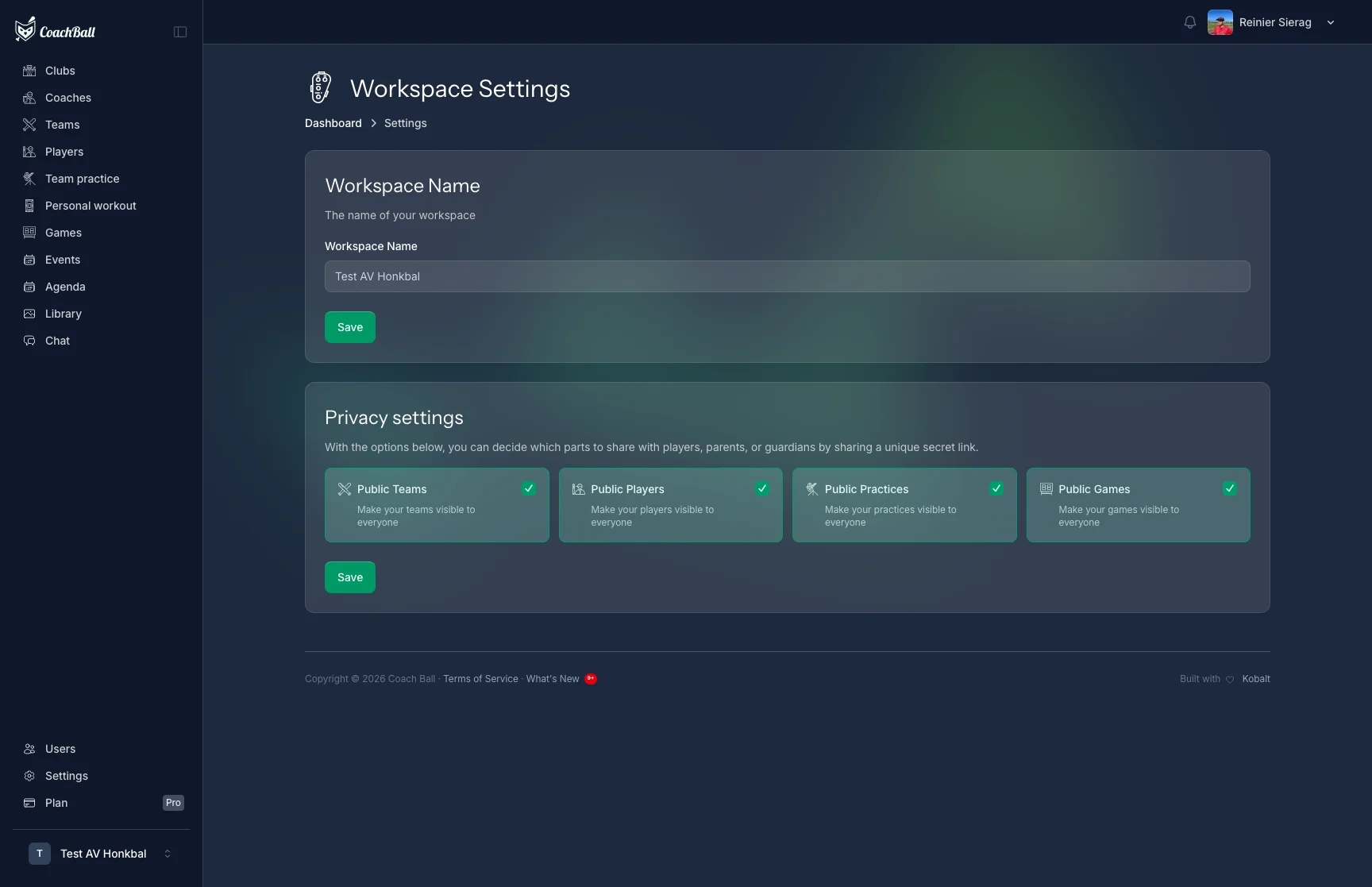
The screen for managing team settings
Workspace Settings
Configure workspace-level settings. Only the workspace owner can modify these settings.
Workspace Name
The name of your workspace, visible to all members.
Privacy Controls
Control what information is publicly visible: players, trainings, games, and teams can each be toggled on or off.
Attendance Settings
Configure attendance tracking per team. These settings control reminders, locking, and grading thresholds.
Reminders
Configure automatic reminders for games and trainings. Set how many days before the event reminders are sent (e.g., 14, 7, and 1 day before).
Attendance Locking
Lock attendance a set number of hours before an event. Once locked, players and guardians can no longer change their RSVP.
Late Tracking
Enable tracking of late arrivals separately from absences. Late percentages factor into attendance level calculations.
Attendance Levels
Set percentage thresholds for attendance levels: Excellent (85%+), Good (70%+), Normal (55%+), and Concerning (below 55%).
Game Settings
Set team defaults for games: number of innings, pitcher rotation interval, max outfield innings, bench rotation strategy, and catcher restrictions. These defaults apply to all new lineups.
User Preferences
Personal preferences that affect your experience: metric system (metric or imperial), view preferences for games and trainings (cards or table layout), and default team filters.