

Games
Games
Schedule games, manage line-ups, and track statistics.
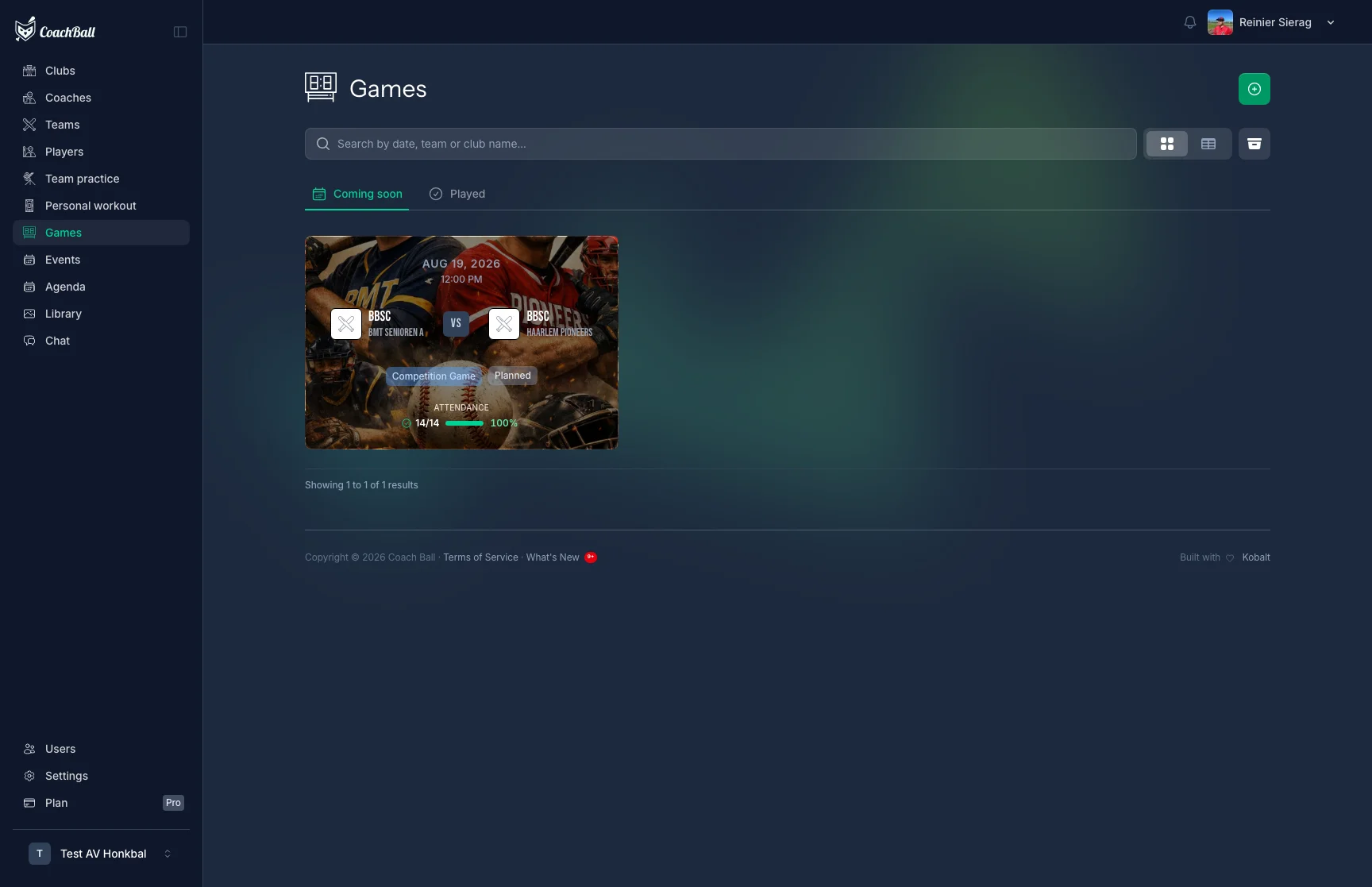
The games overview with all scheduled games
Game Management
Create Game
Schedule a new game and add all important details.
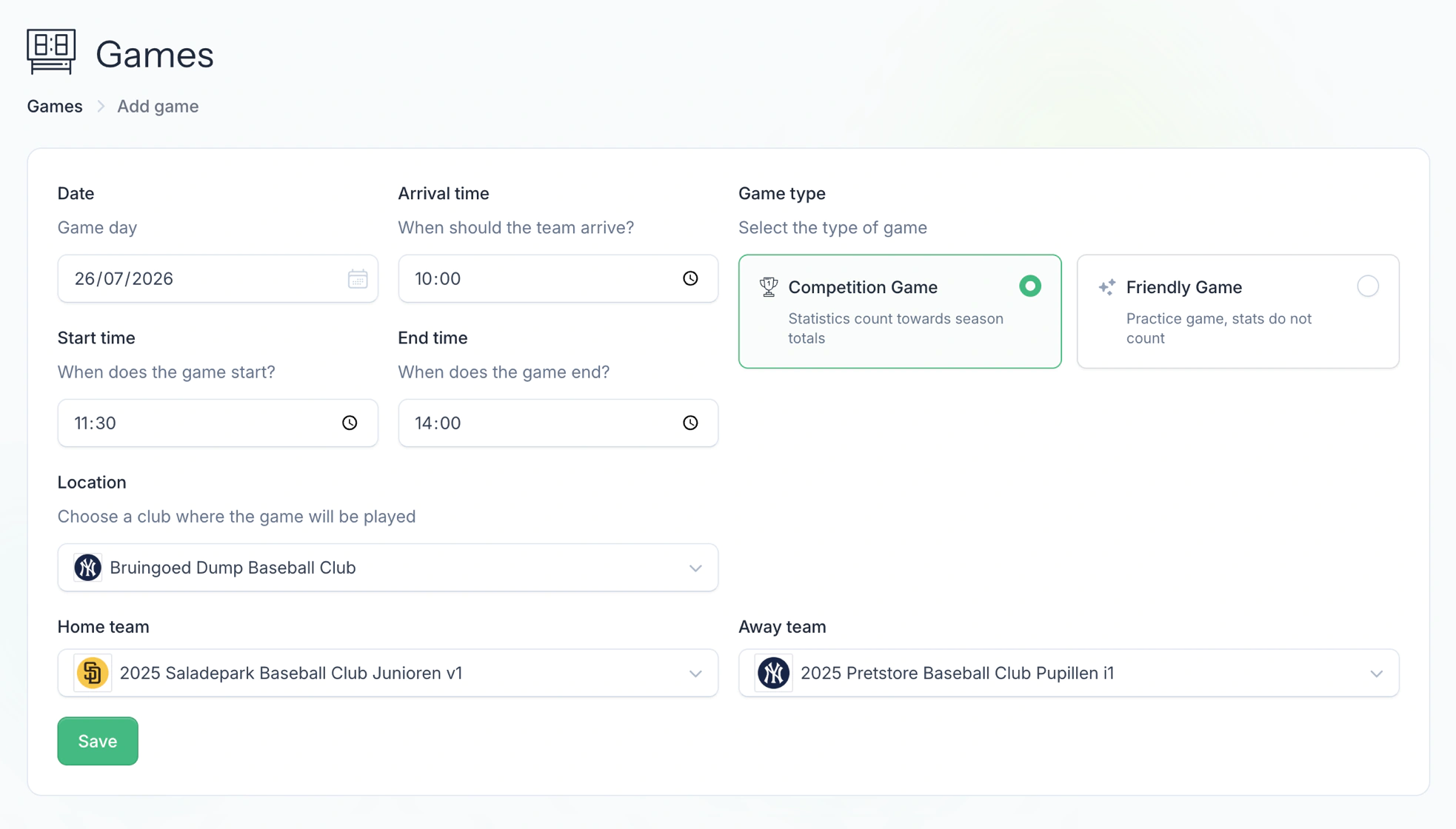
The form for creating a new game. With games, you can organize your season and keep track of all important information. After creating a game, you gain access to various powerful features: register player attendance, create lineups with automatic rotation settings, determine the batting order, track weather conditions, and after the game you can write an evaluation and keep detailed statistics for all players. This information helps you make better decisions for future games and track your players' development.
Game Details
View and edit game details
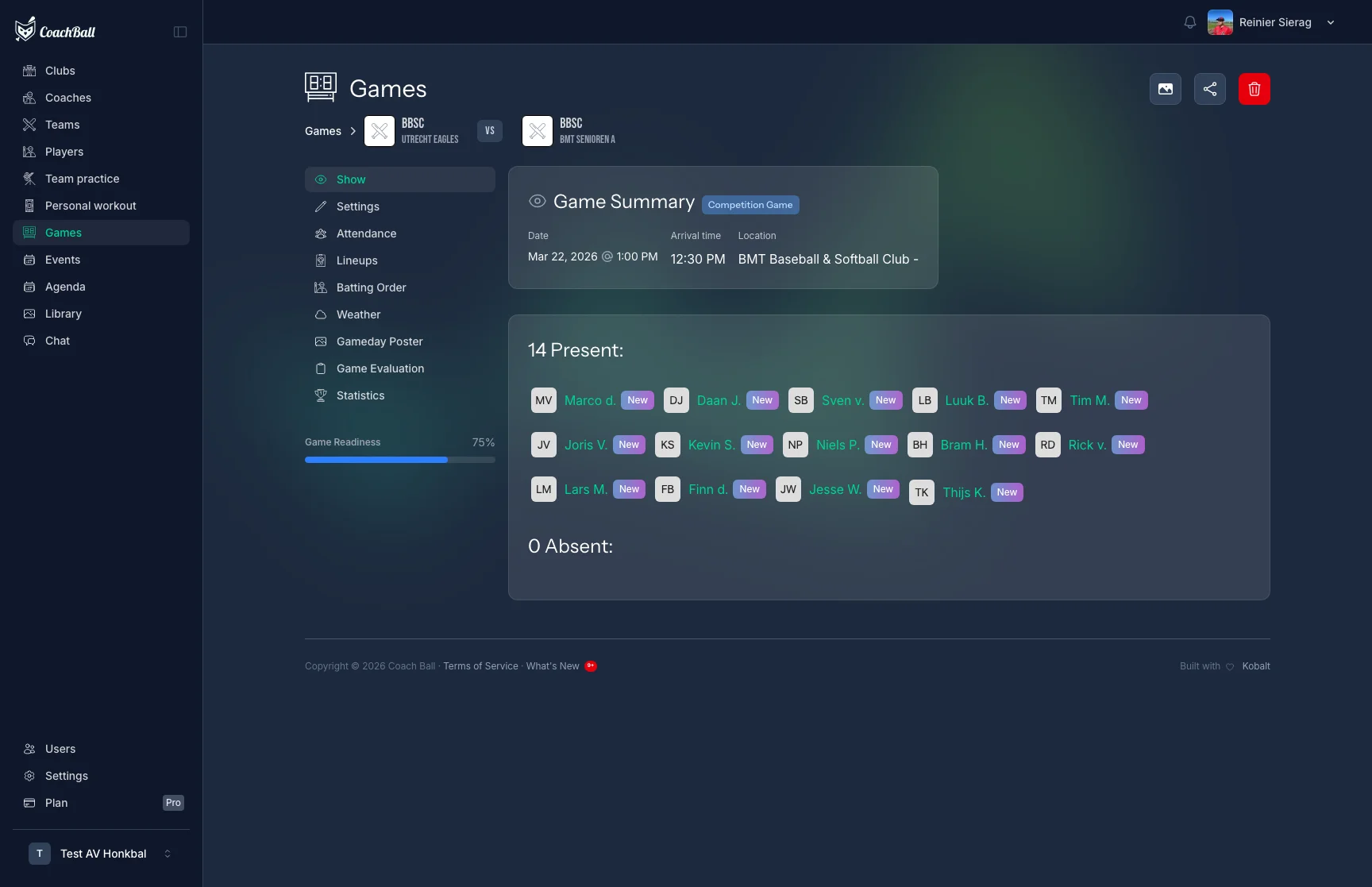
The screen with all details of a game
Player Selection
Select which players are available for the game and create your line-up.
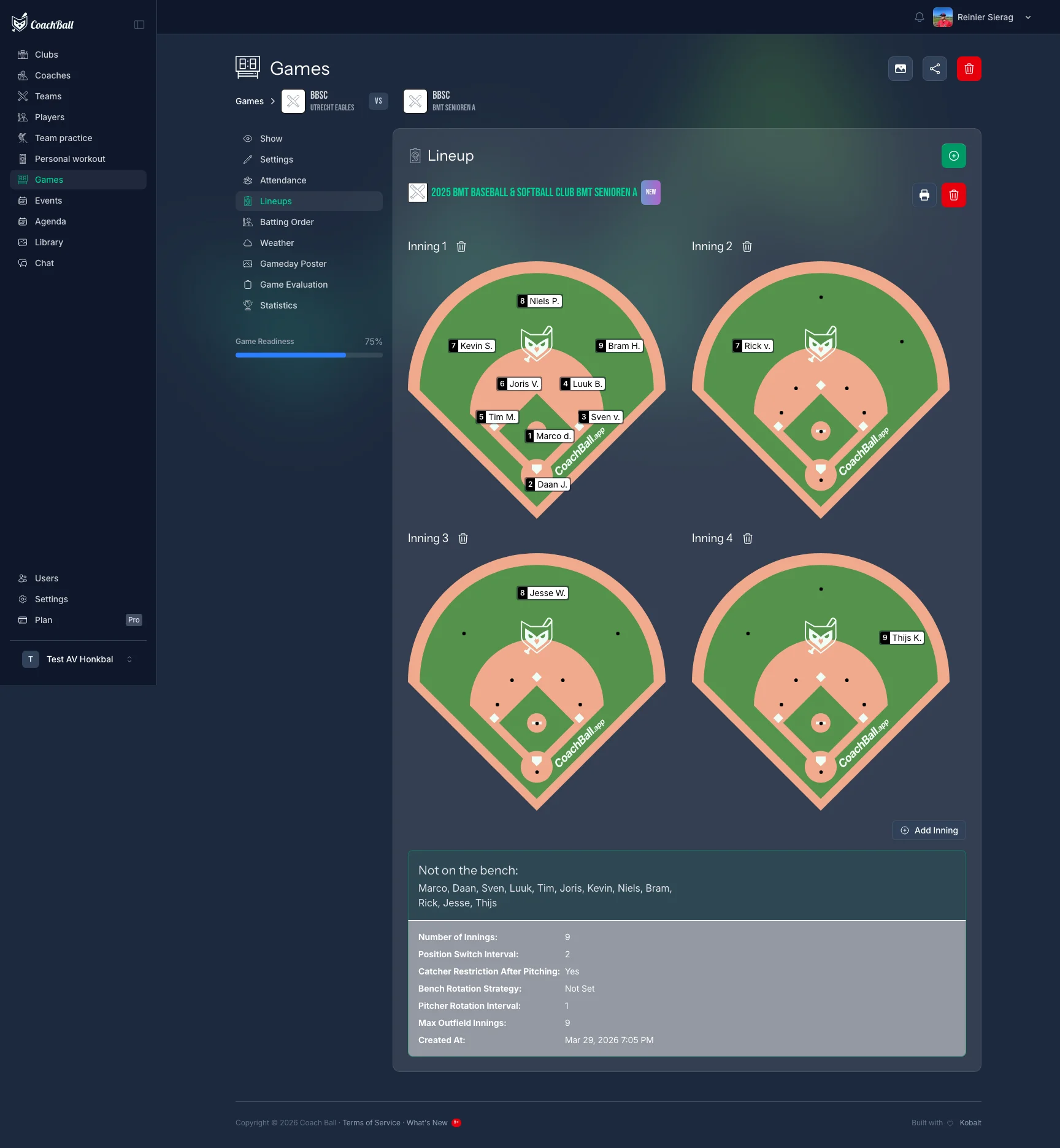
The screen for selecting players for a game
Game Status
Each game has a status that determines what actions are available. Only games with status "Played" count towards statistics and allow evaluation.
Planned
Game is scheduled and upcoming. Attendance reminders can be sent.
Played
Game has been completed. Statistics and evaluation are available.
Postponed
Game has been postponed. A rescheduled date can be set.
Cancelled
Game has been cancelled and will not be played.
Interrupted
Game was started but interrupted. Can still be resumed.
Abandoned
Game was abandoned and will not be completed.
Game Scoring
After a game is played, coaches can enter batting, fielding, and pitching statistics for each player. Statistics are tracked per game and automatically aggregated into season totals for each player.
View Preferences
Switch between card view and table view for your games list. Your preference is saved automatically. Upcoming games are sorted by date ascending, past games by date descending.