

Scouting Profiles
Scouting Profiles
Create professional digital scouting profiles for your players. Share stats, videos, academics, and events with college coaches, scouts, and recruiters. Scouting profiles help players stand out and give coaches a complete picture at a glance.
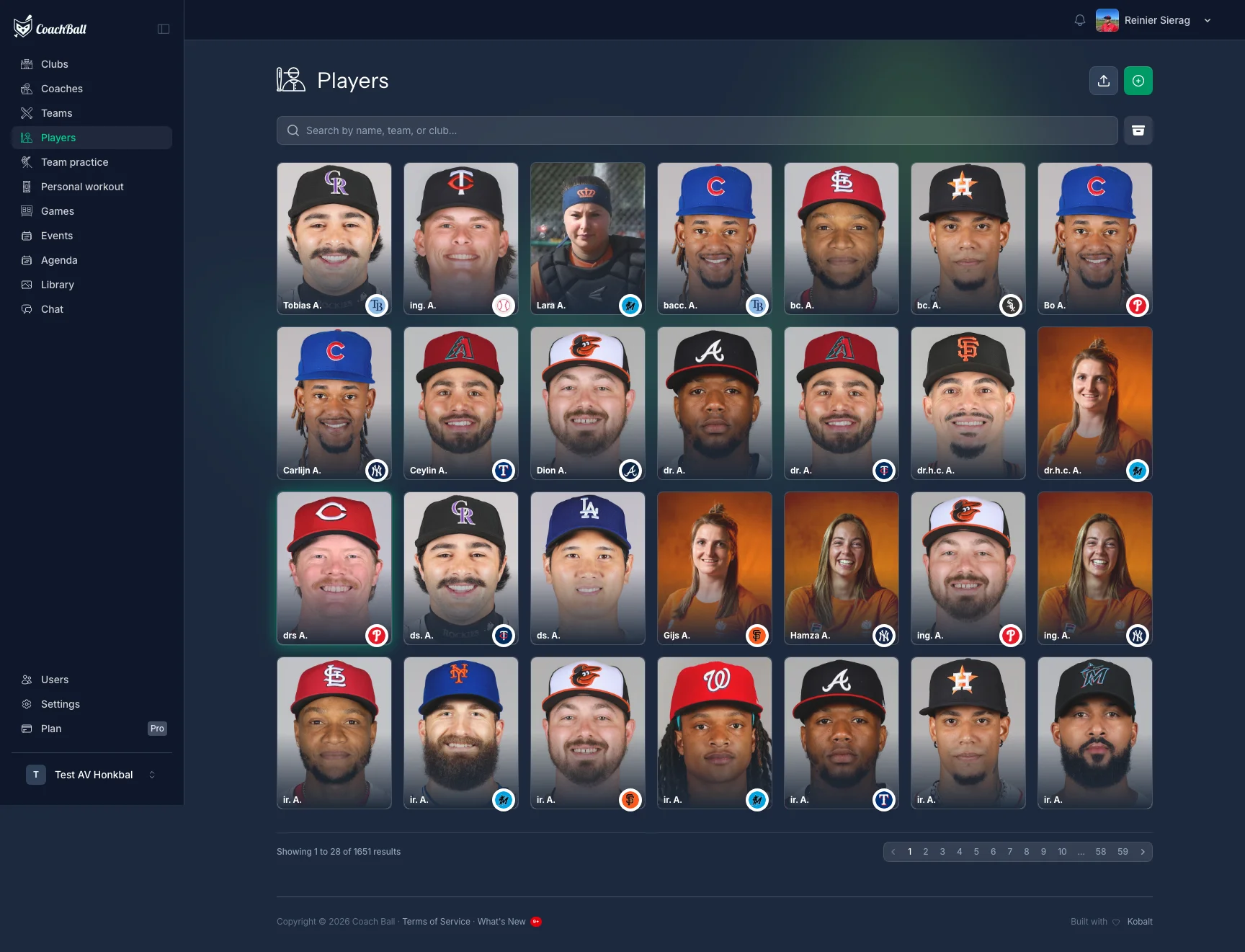
From the players overview you can access scouting profile features for each player.
What are Scouting Profiles?
Scouting profiles are shareable, professional player profiles designed for recruiting and showcase events. They combine all the information a scout or college coach needs: player details, physical measurements, key metrics (pitch velocity, exit velocity, sprint times), game statistics, video highlights, academics, and events.
Key Features
Each scouting profile includes:
- Player profile with photo, positions, physical measurements, and club affiliation
- Key metrics with measurement date and device provenance (pitch velo, exit velo, 60-yard sprint)
- Video showcase with highlights, skills, and game clips (YouTube, Vimeo, or direct upload)
- Game statistics aggregated across seasons
- Academics: school, GPA, SAT/ACT, graduation year, intended major
- Events & awards: showcases, tournaments, camps with results
Sharing Options
Share scouting profiles with anyone, anywhere:
- Public link — viewable without an account
- One-click sharing via WhatsApp, email, and social media
- Branded PDF export for print or offline review
- Time-limited scout links with view tracking
How to Create a Scouting Profile
Creating a scouting profile is straightforward:
1. Add or edit the player
Go to your team's players and add the player or open an existing player. Fill in the profile details: positions, physical measurements, throwing and batting hand, and other relevant information.
2. Enrich with data
Add key metrics (from personal workouts), game statistics, video links or uploads, academic info, and events. Use the profile completeness checklist to see what's missing.
3. Share
Generate a public link, create a time-limited scout link, or download the PDF. Share via your preferred channel — no account needed for viewers.
Need help?
Have a question or facing an issue? Our support team is here to help.