
Albums
Albums
Create photo and video albums to group related media together. Share albums publicly or keep them private for your team.
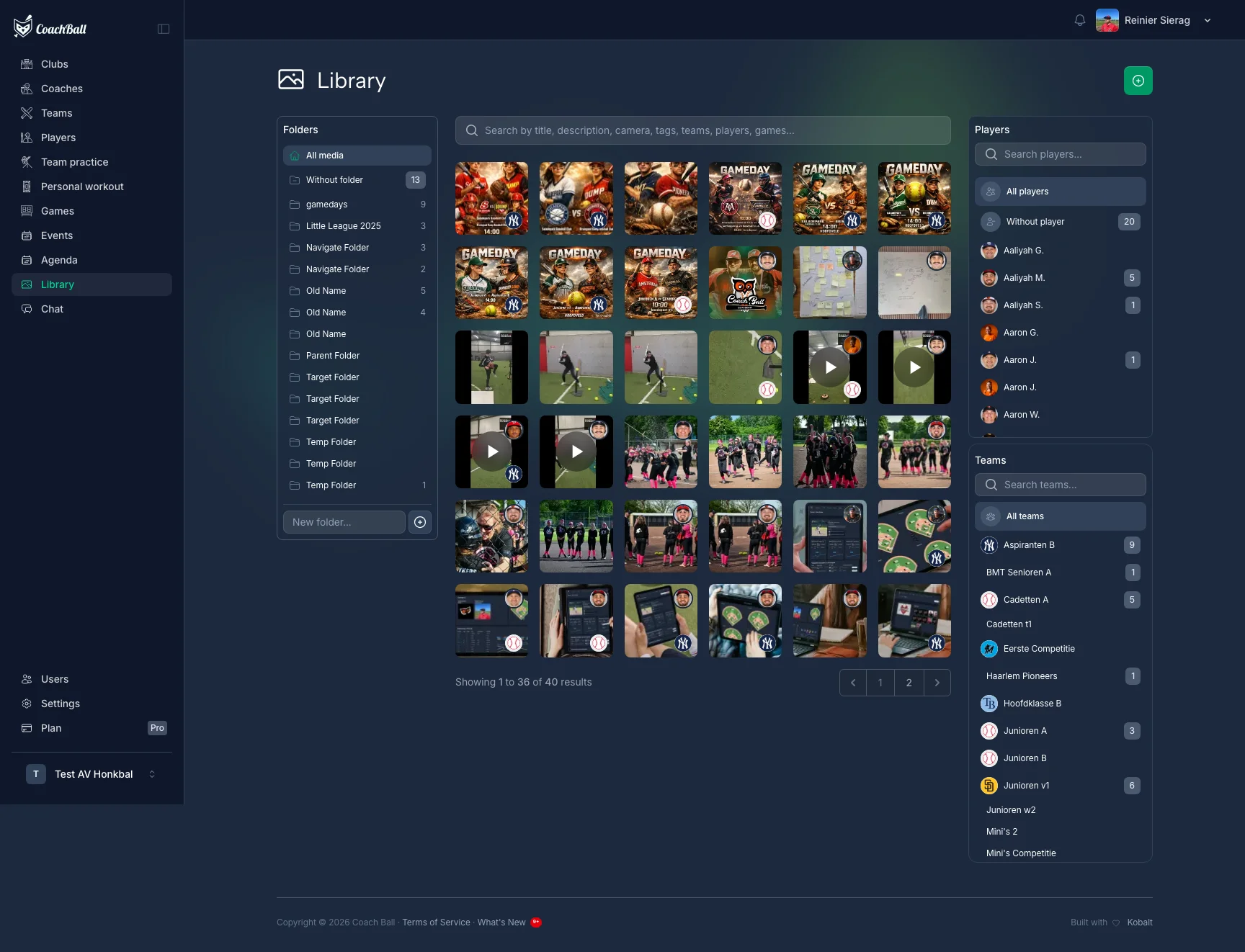
The albums page showing all your media collections
Creating Albums
Create a new album with a name and optional description. Albums are private by default — toggle the public setting to share them via a link.
Managing Media
Add photos and videos to your albums, reorder them, set cover images, and remove items.
Add Media
Browse your media library and select multiple items to add. Filter by type (images or videos) and search by title.
Reorder
Drag and drop media within an album to change the display order.
Cover Image
Set any photo in the album as the cover image that represents the album.
Remove Media
Remove media from an album without deleting the original file.
Sharing
Public albums can be accessed by anyone with the link. Private albums are only visible to the album owner. Toggle the public setting when editing an album.