

Attendance
Attendance
Track attendance across all team activities. Whether it's a game, practice, or event — manage who's coming, send reminders, and use magic links for easy RSVP.
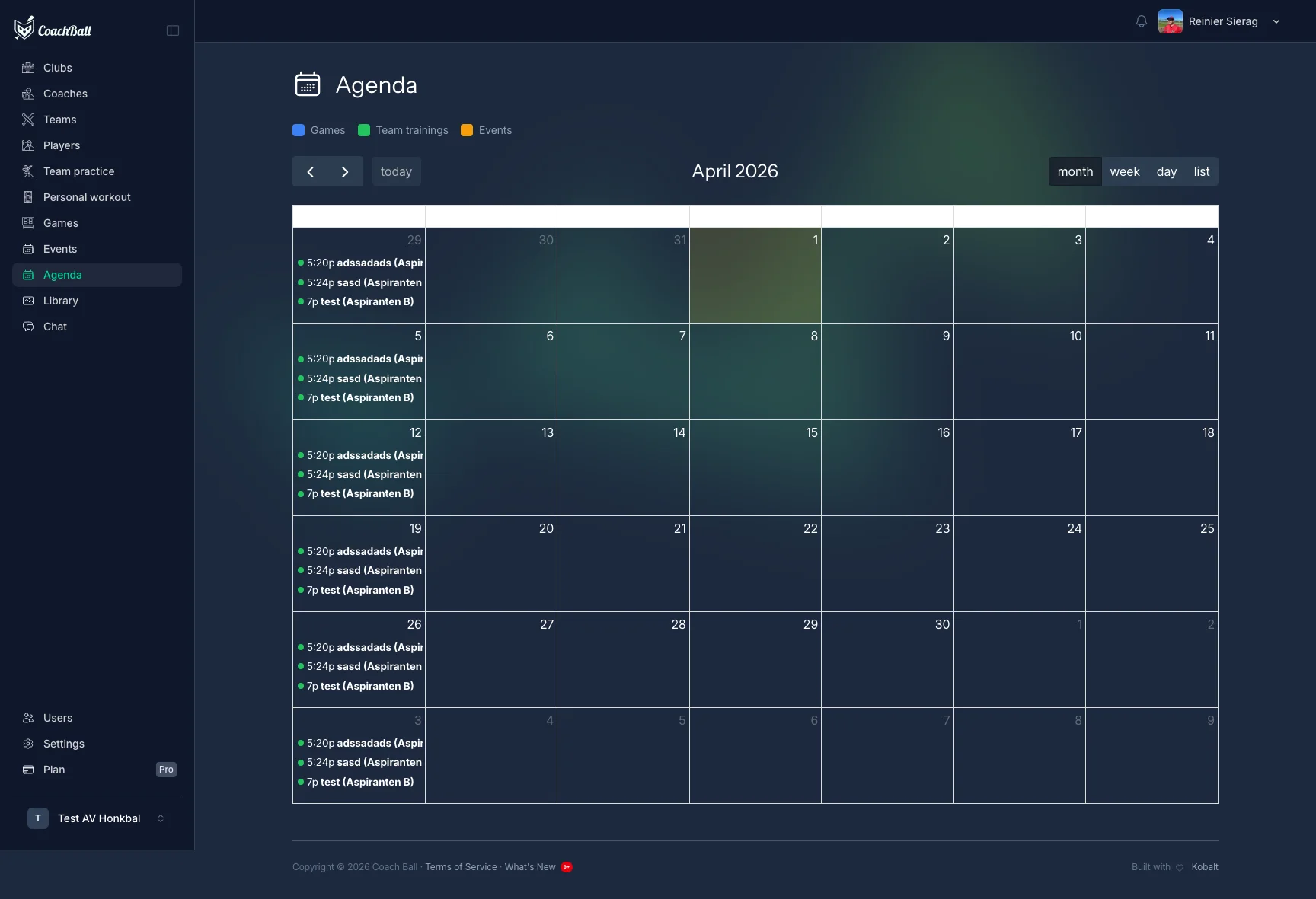
The attendance interface for managing player availability
Game Attendance
Coaches mark their own team's players as present, absent, or unknown for each game. The opponent is optional: who played for them is only known after the game, and can then be recorded on the same page (importing their box score fills it in automatically). You can also add guest players from other teams.
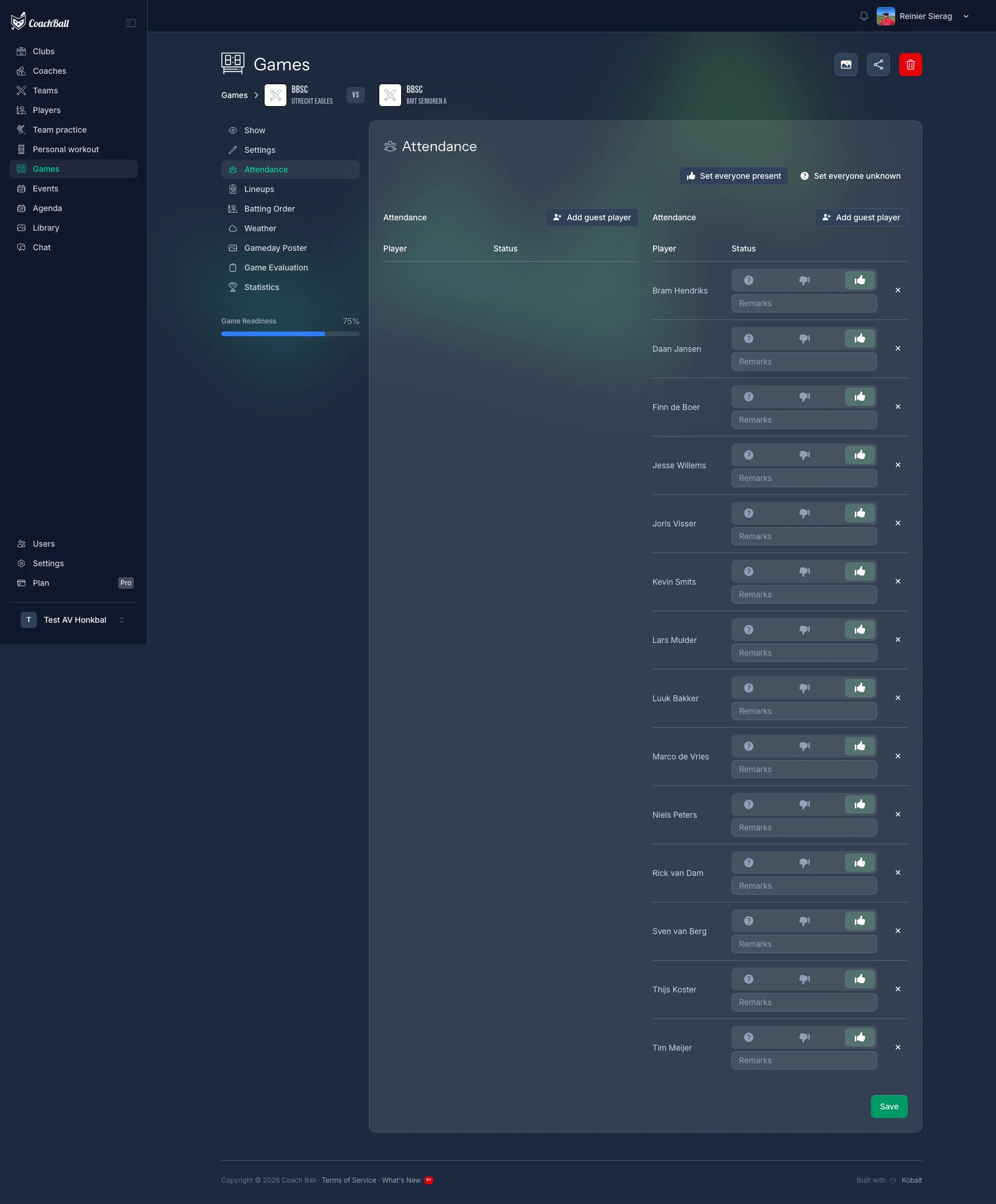
Managing attendance for a game with status options per player
Practice Attendance
Track attendance for team practices. Works the same way as game attendance — mark each player's status and optionally add a reason for absence.
Event Attendance
Track attendance for team events like meetings, dinners, or tournaments.
Status Options
Each player can be marked with one of three statuses for any activity.
Present
Player will attend the activity.
Absent
Player will not attend. An optional reason can be provided.
Unknown
Player has not yet responded.
Magic Link RSVP
Players and guardians can RSVP without logging in. A secure, time-limited link is sent via email or SMS. One click to confirm attendance for upcoming games and practices.
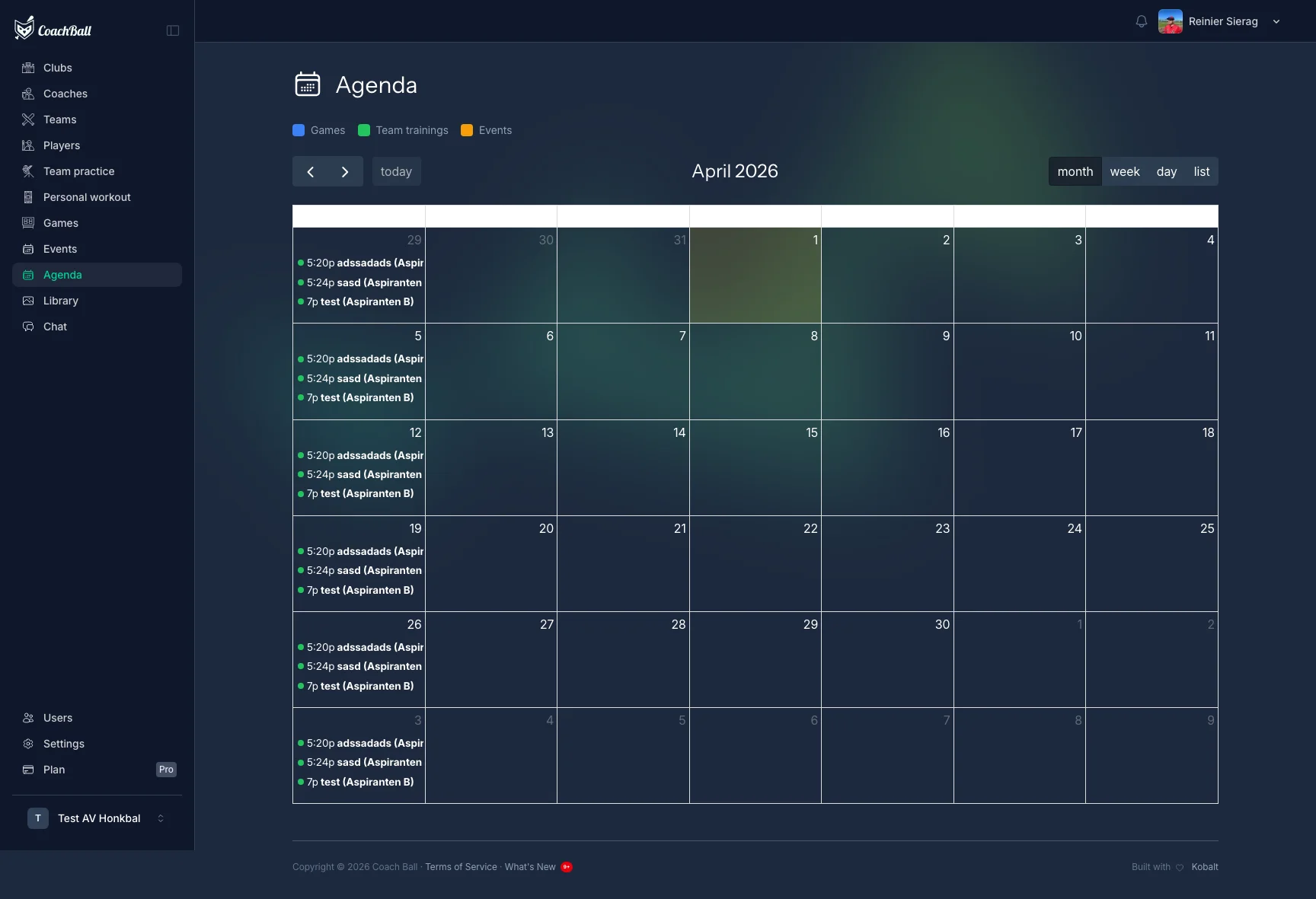
The simple RSVP page accessible via magic link
Guest Players
Add players from other teams as guests for a game. Search for players and add them to the attendance list.
Attendance Locking
Teams can configure a lock time before events. Once locked, players can no longer change their RSVP status. This helps coaches finalize lineups and plans.