

Migration How-To
How to migrate from GameChanger to CoachBall
Use this practical migration flow to move roster, schedule, and team operations with minimal friction. Keep scorekeeping habits during rollout and switch in phases.
Built for baseball and softball teams. Practical and coach-friendly.

Migrate with confidence
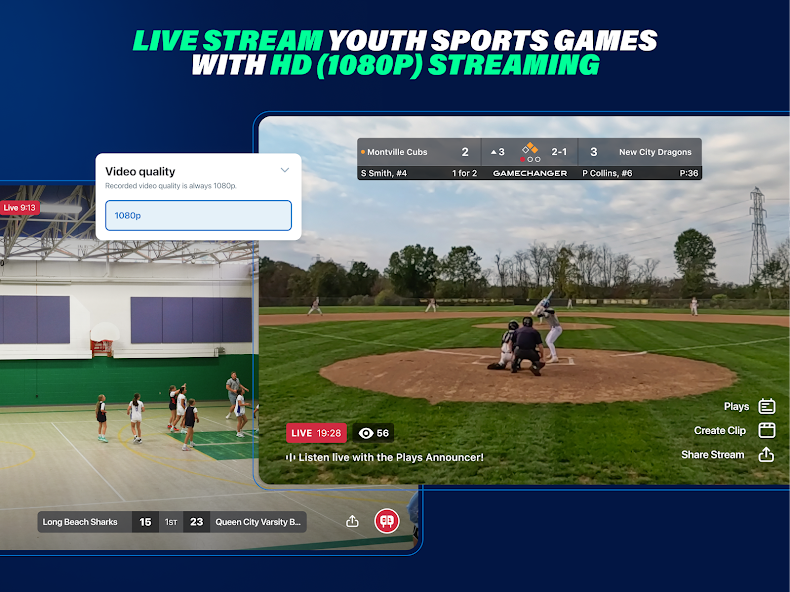
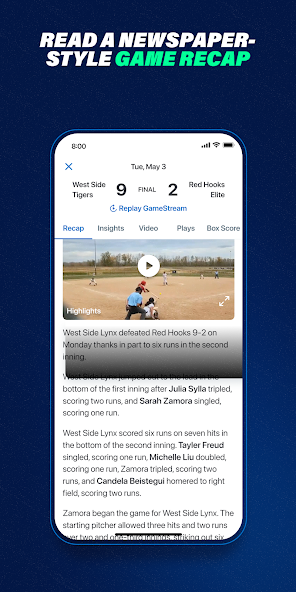
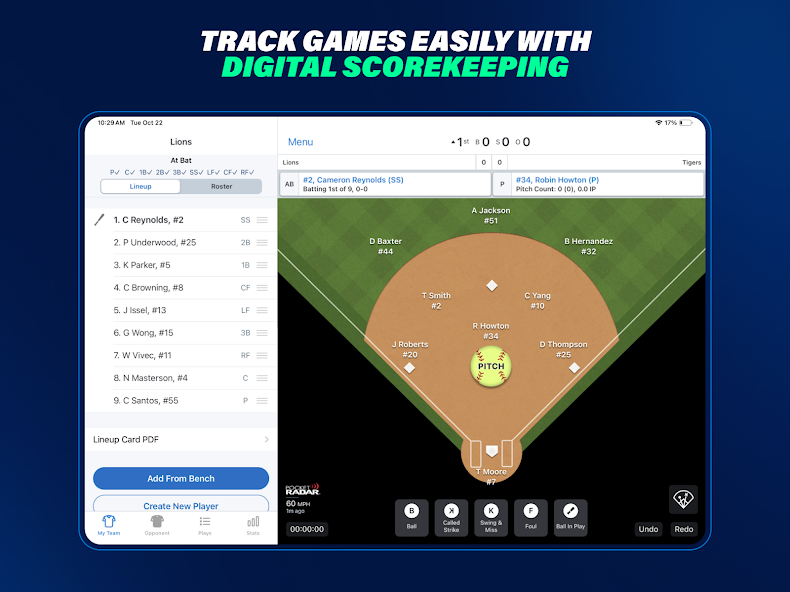
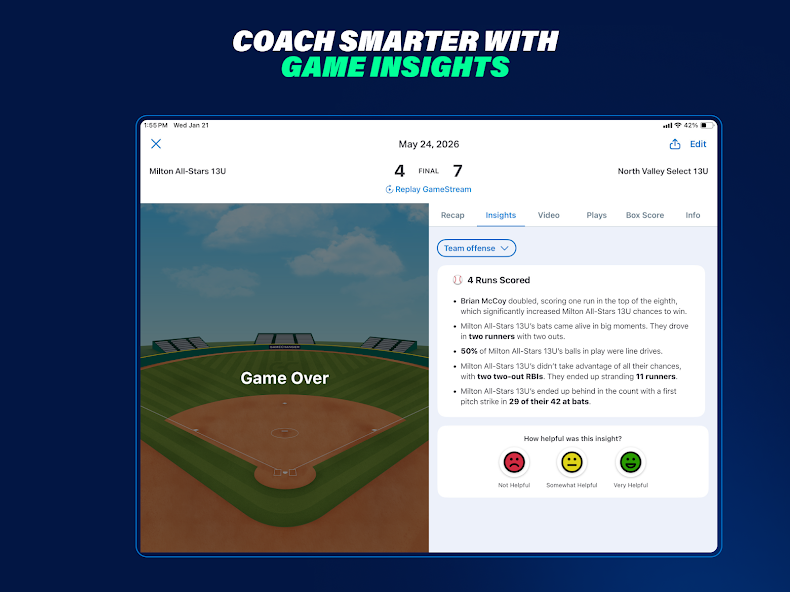
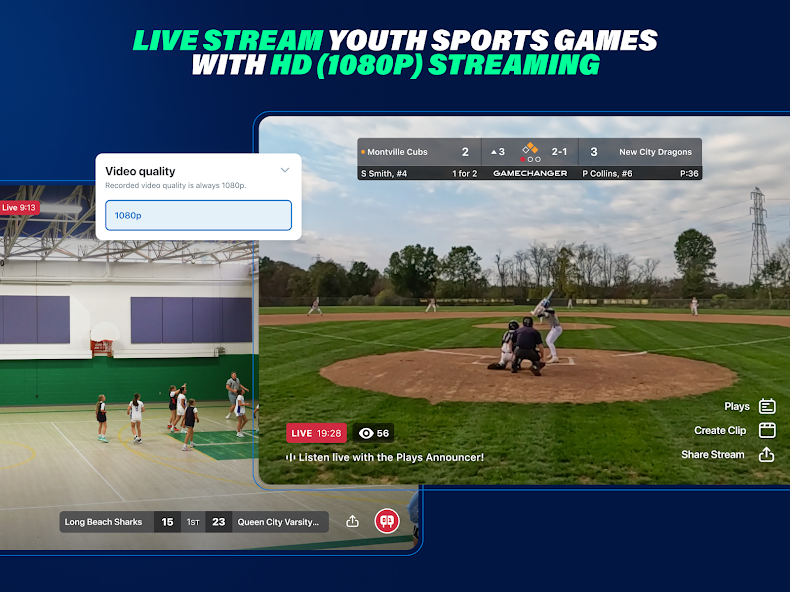
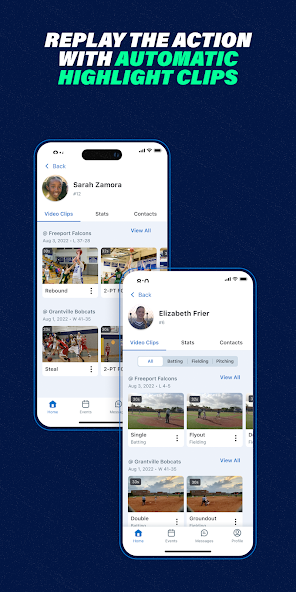
From familiar to forward
Familiar visuals reduce friction and help your staff adopt the new workflow faster with more confidence.

What you can migrate first
Start with high-impact operational data, then expand into deeper workflows.
Roster
Players and jersey numbers
Move your roster structure first so coaches and parents can start in CoachBall quickly.
People
Staff and parent invites
Recreate role-based access for coaches, assistants, and parents with clear permissions.
Schedule
Games and calendar
Import your game schedule from CSV so teams can continue with familiar weekly rhythms.
Workflow
Availability and lineup setup
Connect attendance and lineup generation to game-day prep immediately after import.
Development
Recruiting profile rollout
Enable shareable player profiles after your operational foundation is stable.
Media
Manual media transfer (optional)
Move essential team photos and key assets manually if they are needed in your new workflow.
Step-by-step migration flow
A phased ETL-style process aligned with real coach operations.
Step 1
Scope and prep your migration
Define which teams, seasons, and user roles move first. Keep a backup of all source exports before changes.
Step 2
Export from GameChanger
Collect available CSV/XML exports for roster, schedule, and stats where possible. Note any fields that require manual capture.
Step 3
Map and transform your fields
Normalize naming, date formats, and role mappings so GameChanger columns match CoachBall import structure.
Step 4
Import into CoachBall in phases
Start with one pilot team: roster first, then schedule, then invitations and lineup workflow settings.
Step 5
Validate data and permissions
Check player counts, game totals, and role access. Spot-check key records before full rollout.
Step 6
Roll out, monitor, and optimize
Scale to more teams once the pilot is stable. Keep a short feedback loop for coaches and parents.
Run in parallel during transition
Most teams do not switch everything in one day.
- Keep familiar scorekeeping behavior while moving team operations to CoachBall.
- Communicate one clear cutoff date per workflow so parents know what changes when.
- Use a pilot team first, then copy the rollout pattern to the rest of your organization.
Frequently Asked Questions
Yes. Most teams migrate in phases during the season by starting with roster and schedule before expanding workflows.
No. A phased approach is safer: pilot team first, then additional teams after validation.
Start with roster, game schedule, and team roles. Those unlock immediate operational value.
Yes. Many organizations run in parallel until staff and parents are comfortable in the new flow.
Create backups, map fields explicitly, validate sample data, and use a rollout checklist per team.
A pilot often takes days, while full multi-team rollout usually takes a few weeks depending on data quality and staffing.
Ready to plan your GameChanger migration?
Start with one team, follow the phased flow, and scale after validation.